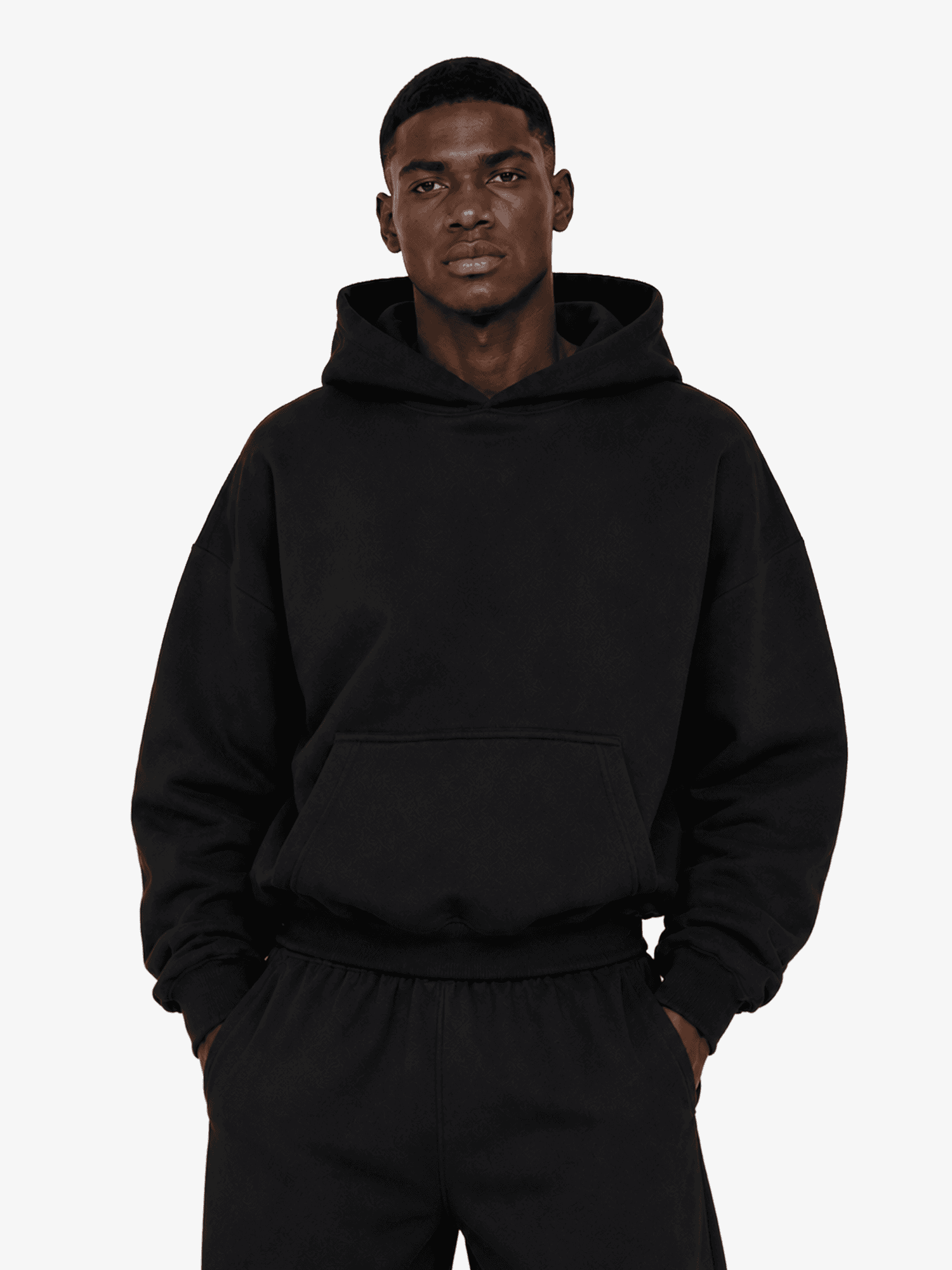
Heavyweight Tailor Boxy Hoodie

Customize your Apparel:

From $22.00

XS

S

M

L

XL

2XL

Other Colors

Key Details

Material: 100% cotton shell with smooth polyester bonded lining
Texture: Structured, heavyweight with reinforced durability
Weight: Heavyweight 450GSM for a bold, sculpted drape
Care: Pre-shrunk to maintain size and shape over time

Product Description

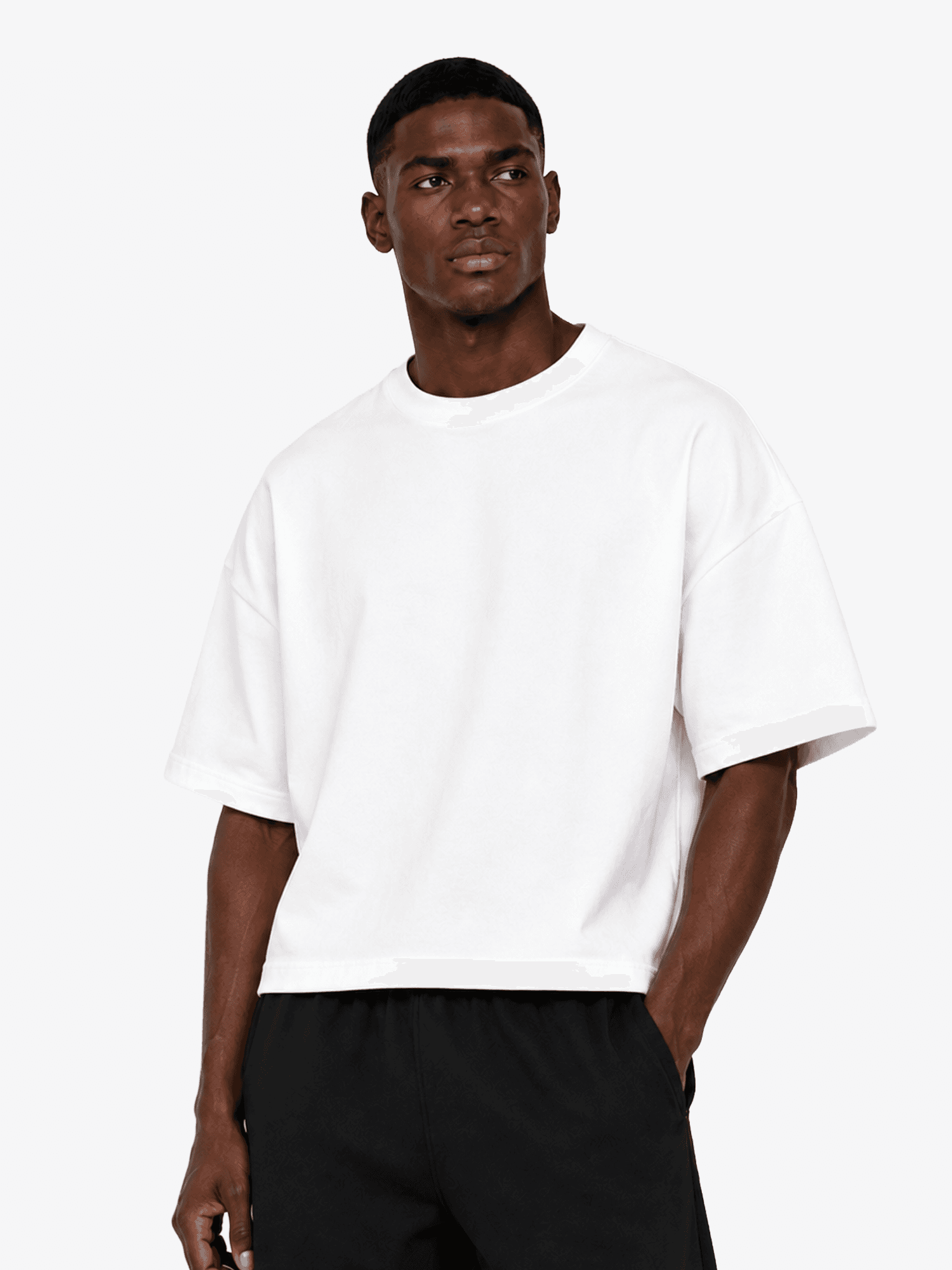
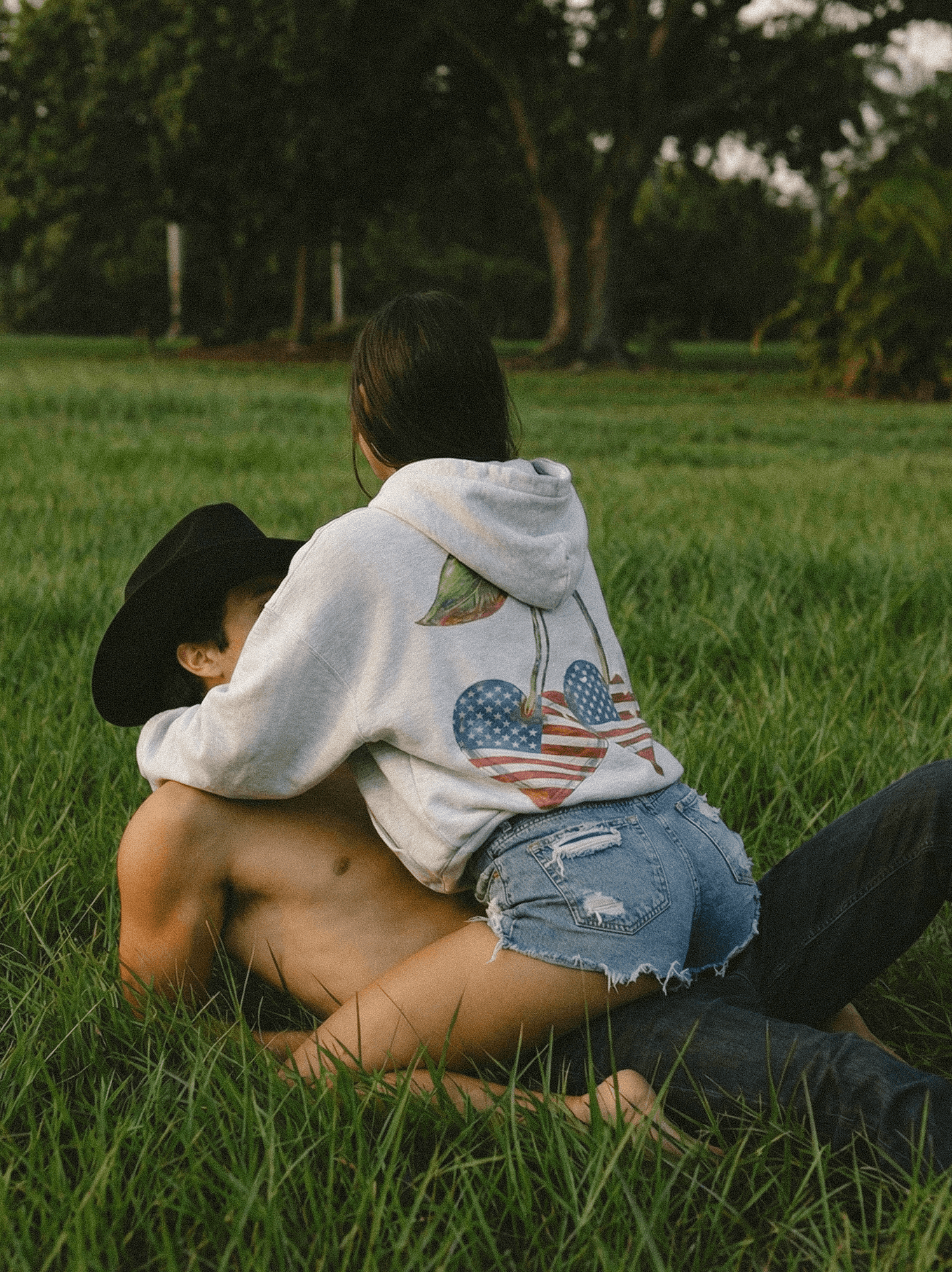
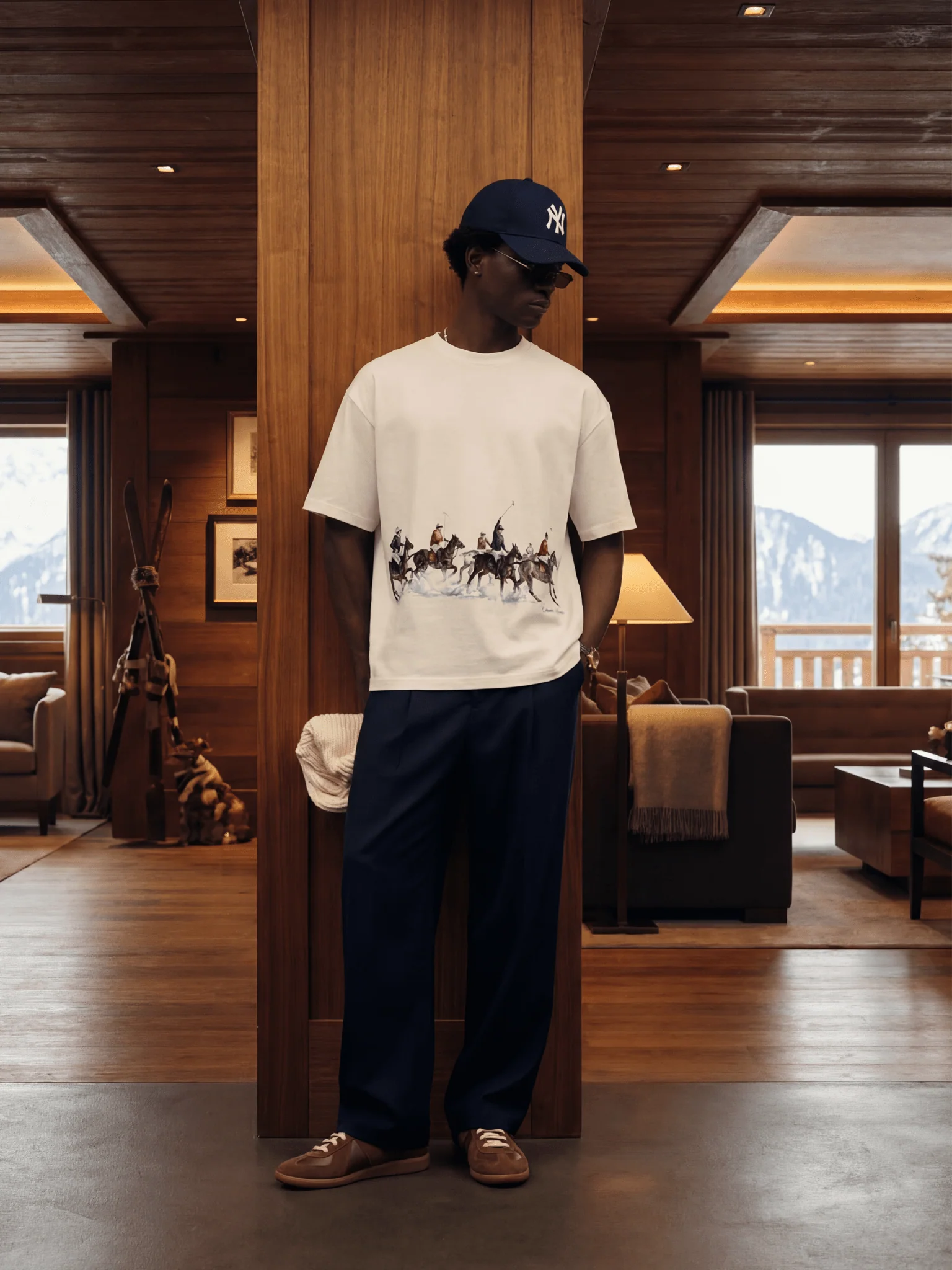
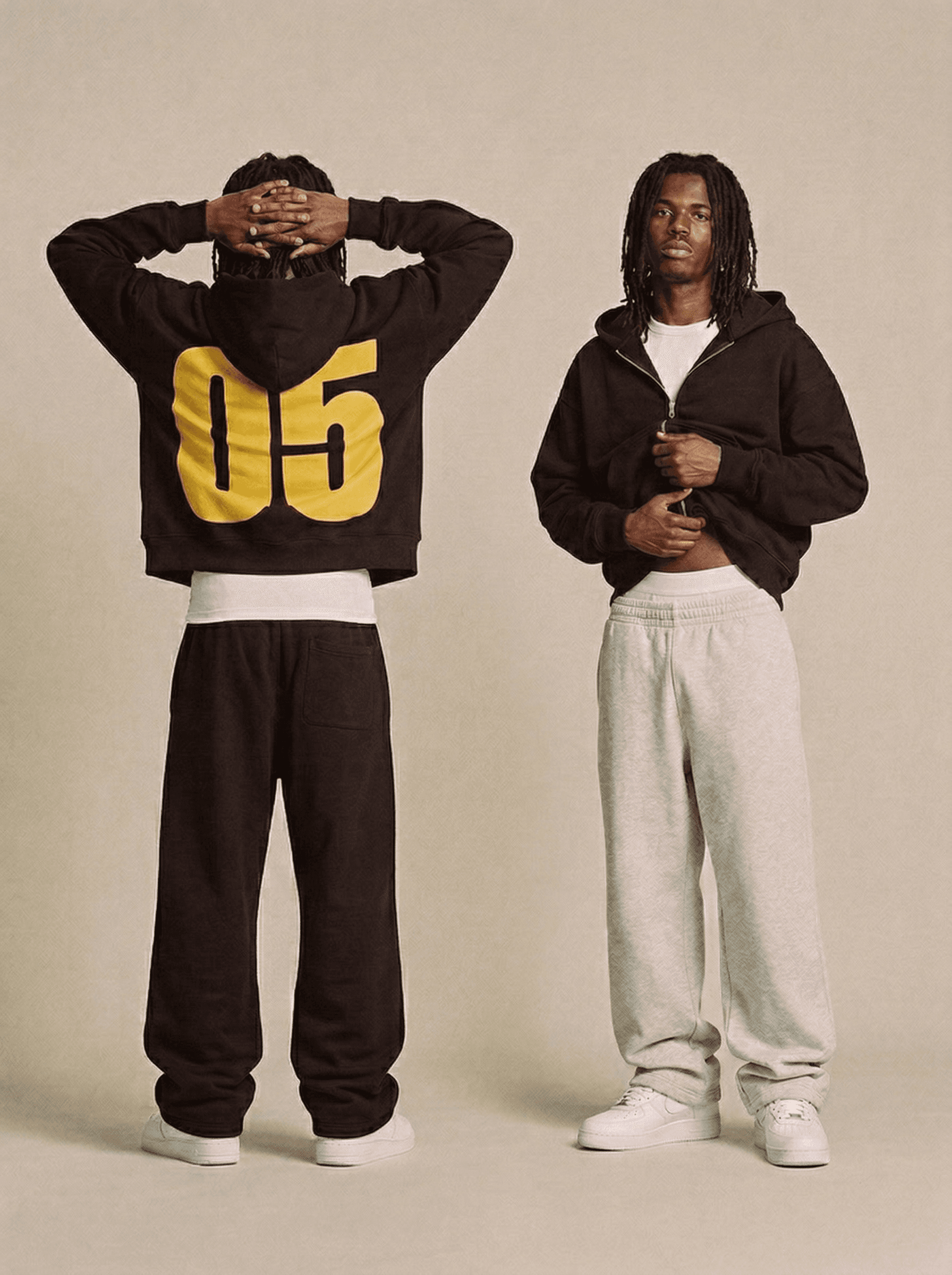
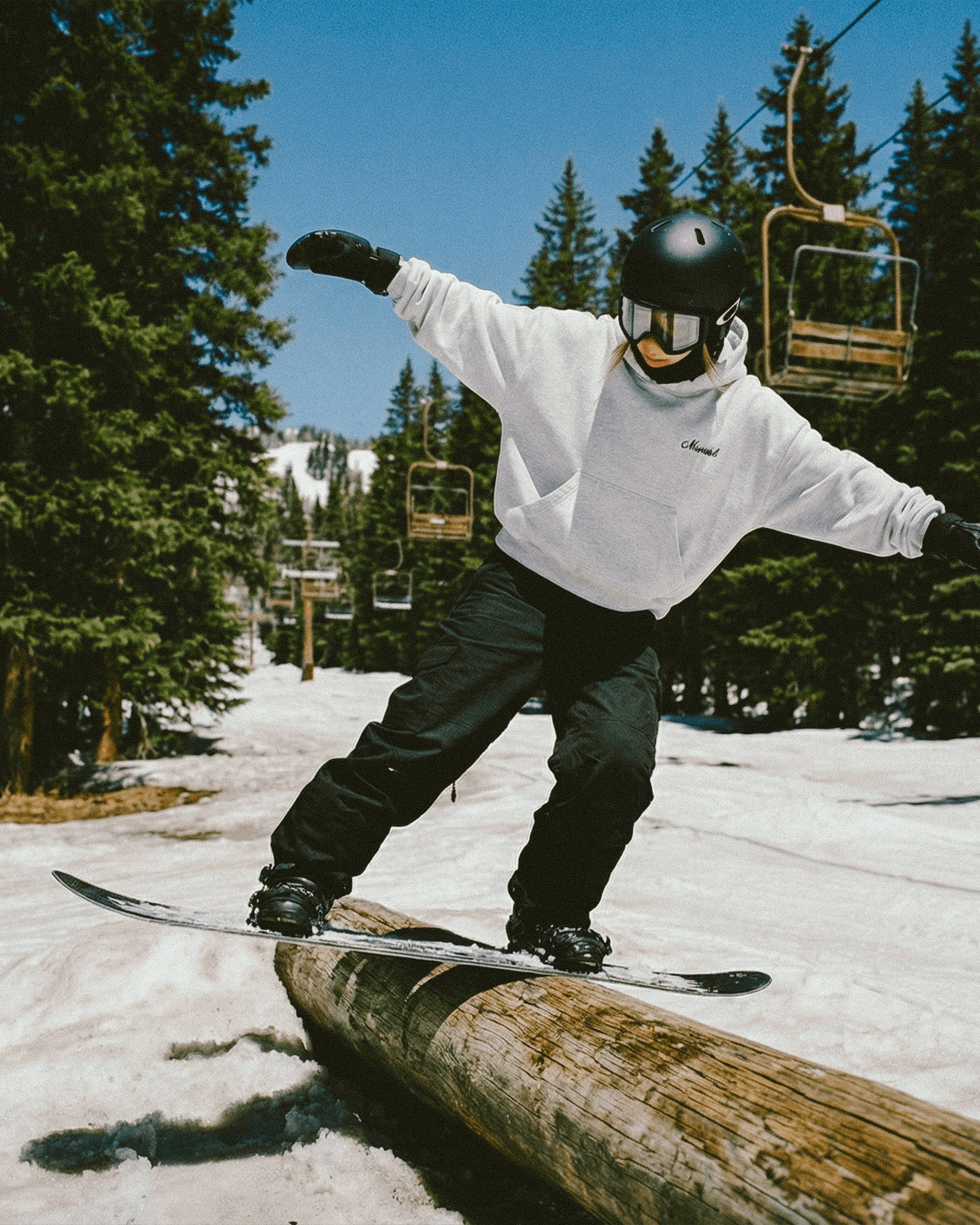
A bold evolution of the viral Boxy Hoodie. Crafted from beautiful 450gsm Cotton, this piece offers a structured, heavyweight feel with a sculpted silhouette that maintains its form wear after wear.

Designed for durability and precision, the bonded construction pairs a 100% cotton outer shell with a smooth polyester lining, enhancing both structure and comfort. Pre-shrunk for a consistent fit, this hoodie delivers an elevated take on everyday essentials.

Quality: Built to last, the Sculpt Hoodie undergoes a pre-shrinking process to maintain its fit over time. The heavyweight fabric ensures lasting structure, while the smooth bonded lining provides an enhanced feel.

Fit: Featuring an oversized, slightly boxy silhouette with a tightened waistband to maintain its shape. The hexagonal kangaroo pocket adds a contemporary edge, while the overlapping hood is designed to hold its form for consistent styling.

Customisation Options

DTG Print

  • Front print

  • Back print

  • Outside label

  • Inside label

  • Left sleeve

  • Right sleeve

Embroidery

  • Left Chest

  • Center Chest

  • Right Chest

Guidelines

Print guide

Embroidery guide

Care Guide

Size Guide

File Guidelines.

Placement

Sizes

Max Print Area

Print File Size

Recommended Print File Size

Inside label

All Sizes

2 × 2 in

(5 × 5 cm)

2 × 2 in

(5.08 × 5.08 cm)

2 × 2 in

(5.08 × 5.08 cm)

Front Print

All Sizes

18 × 22 in (46 × 56 cm)

18 × 22 in (46 × 56 cm)

18 × 22 in (46 × 56 cm)

Back Print

All Sizes

18 × 22 in (46 × 56 cm)

18 × 22 in (46 × 56 cm)

18 × 22 in (46 × 56 c

Must Follow

Submit files as PNG or JPEG, at a minimum of 150 DPI and no larger than 50MB per file. We recommend 300 DPI for the sharpest results.

Create files in sRGB color profile. This is the profile our industry leading printers are built to read, so it keeps your on-screen colors as close as possible to the final print.

Tips for Best Results

Avoid semi-transparent designs

Semi-transparent graphics, or any elements with reduced opacity, don't translate cleanly in DTG printing. We recommend working with solid colors, or simulating semi-transparency through halftoning.

Create designs with the necessary DPI

Typing a higher resolution value into an existing file won't actually improve its print quality. If your artwork's resolution is too low, the best result comes from recreating it at full resolution.

Use transparency to your advantage

Black ink can read as a light black on black garments because of the white underbase applied during printing. For designs on dark garments, leave these areas fully transparent to keep your blacks true.

Print guide

Embroidery guide

Care Guide

Size Guide

File Guidelines.

Placement

Sizes

Max Print Area

Print File Size

Recommended Print File Size

Inside label

All Sizes

2 × 2 in

(5 × 5 cm)

2 × 2 in

(5.08 × 5.08 cm)

2 × 2 in

(5.08 × 5.08 cm)

Front Print

All Sizes

18 × 22 in (46 × 56 cm)

18 × 22 in (46 × 56 cm)

18 × 22 in (46 × 56 cm)

Back Print

All Sizes

18 × 22 in (46 × 56 cm)

18 × 22 in (46 × 56 cm)

18 × 22 in (46 × 56 c

Must Follow

Submit files as PNG or JPEG, at a minimum of 150 DPI and no larger than 50MB per file. We recommend 300 DPI for the sharpest results.

Create files in sRGB color profile. This is the profile our industry leading printers are built to read, so it keeps your on-screen colors as close as possible to the final print.

Tips for Best Results

Avoid semi-transparent designs

Semi-transparent graphics, or any elements with reduced opacity, don't translate cleanly in DTG printing. We recommend working with solid colors, or simulating semi-transparency through halftoning.

Create designs with the necessary DPI

Typing a higher resolution value into an existing file won't actually improve its print quality. If your artwork's resolution is too low, the best result comes from recreating it at full resolution.

Use transparency to your advantage

Black ink can read as a light black on black garments because of the white underbase applied during printing. For designs on dark garments, leave these areas fully transparent to keep your blacks true.

Print guide

Embroidery guide

Care Guide

Size Guide

File Guidelines.

Placement

Sizes

Max Print Area

Print File Size

Recommended Print File Size

Inside label

All Sizes

2 × 2 in

(5 × 5 cm)

2 × 2 in

(5.08 × 5.08 cm)

2 × 2 in

(5.08 × 5.08 cm)

Front Print

All Sizes

18 × 22 in (46 × 56 cm)

18 × 22 in (46 × 56 cm)

18 × 22 in (46 × 56 cm)

Back Print

All Sizes

18 × 22 in (46 × 56 cm)

18 × 22 in (46 × 56 cm)

18 × 22 in (46 × 56 c

Must Follow

Submit files as PNG or JPEG, at a minimum of 150 DPI and no larger than 50MB per file. We recommend 300 DPI for the sharpest results.

Create files in sRGB color profile. This is the profile our industry leading printers are built to read, so it keeps your on-screen colors as close as possible to the final print.

Tips for Best Results

Avoid semi-transparent designs

Semi-transparent graphics, or any elements with reduced opacity, don't translate cleanly in DTG printing. We recommend working with solid colors, or simulating semi-transparency through halftoning.

Create designs with the necessary DPI

Typing a higher resolution value into an existing file won't actually improve its print quality. If your artwork's resolution is too low, the best result comes from recreating it at full resolution.

Use transparency to your advantage

Black ink can read as a light black on black garments because of the white underbase applied during printing. For designs on dark garments, leave these areas fully transparent to keep your blacks true.