Make a graphic move with the folds of a tee, then save the setup so the next design takes minutes.
Read Time
/
Category
/
Writer
A flat graphic on a folded T-shirt gives the game away immediately. The fabric bends. The print sits perfectly straight. You can spend an hour adjusting the colour and it will still look pasted on.
Photoshop’s Displace filter fixes the part you’re actually noticing. It reads the light and dark areas of a second image and uses them to bend the artwork. Set it up once, keep the graphic editable, and you have a mockup you can use for the next drop too.
Make the shirt do the work
Open a sharp photograph of your blank. Duplicate the document, flatten the copy and convert that copy to Grayscale. Keep both documents at exactly the same pixel dimensions.
Blur the grayscale copy slightly with Gaussian Blur. You want the larger folds to remain, without every tiny fibre pulling at the design. Save that copy as a PSD: this is your displacement map.
Return to the colour photograph. Place your artwork, convert its layer to a Smart Object, then scale it to the print area. Use Warp first if the chest turns away from the camera.
With the artwork selected, choose Filter → Distort → Displace. On a photograph around 2,000 pixels wide, test Horizontal Scale 5 and Vertical Scale 5. Choose Stretch To Fit and Repeat Edge Pixels, then select your grayscale PSD. Treat those numbers as a starting point; folds and image sizes vary.
Next, double-click beside the graphic layer’s name to open its blending options. Under Blend If, move the Underlying Layer sliders to let the deepest fabric shadows and brightest highlights show through. Hold Alt or Option to split a slider into two halves and soften the transition. Check the lettering at 100%. Melted-looking type means you’ve pushed it too far.
Mask anything crossing the neckline, sleeve or edge of the garment. Save the layered file. Next time, double-click the Smart Object thumbnail, replace the artwork and save. The placement and filter stay attached.
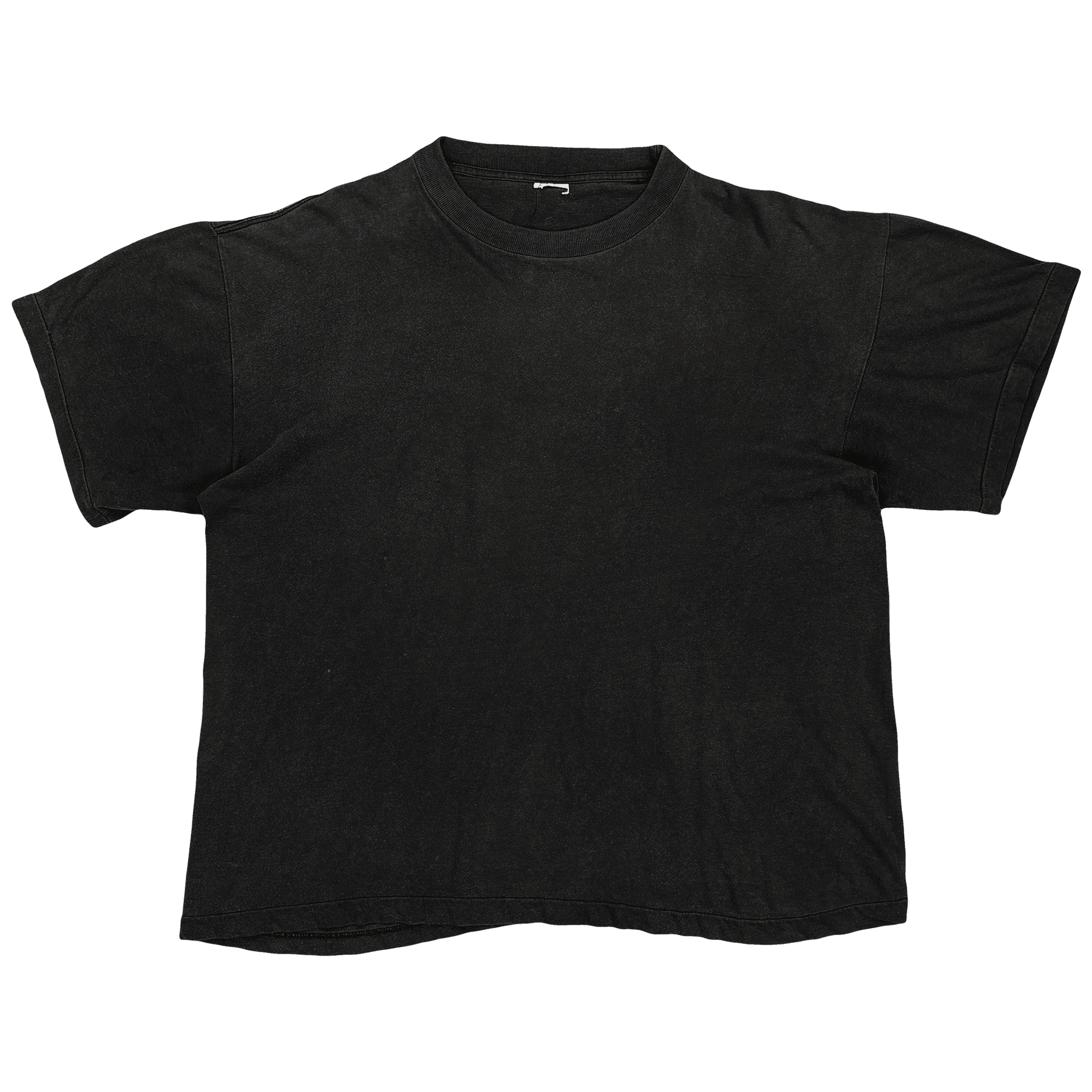
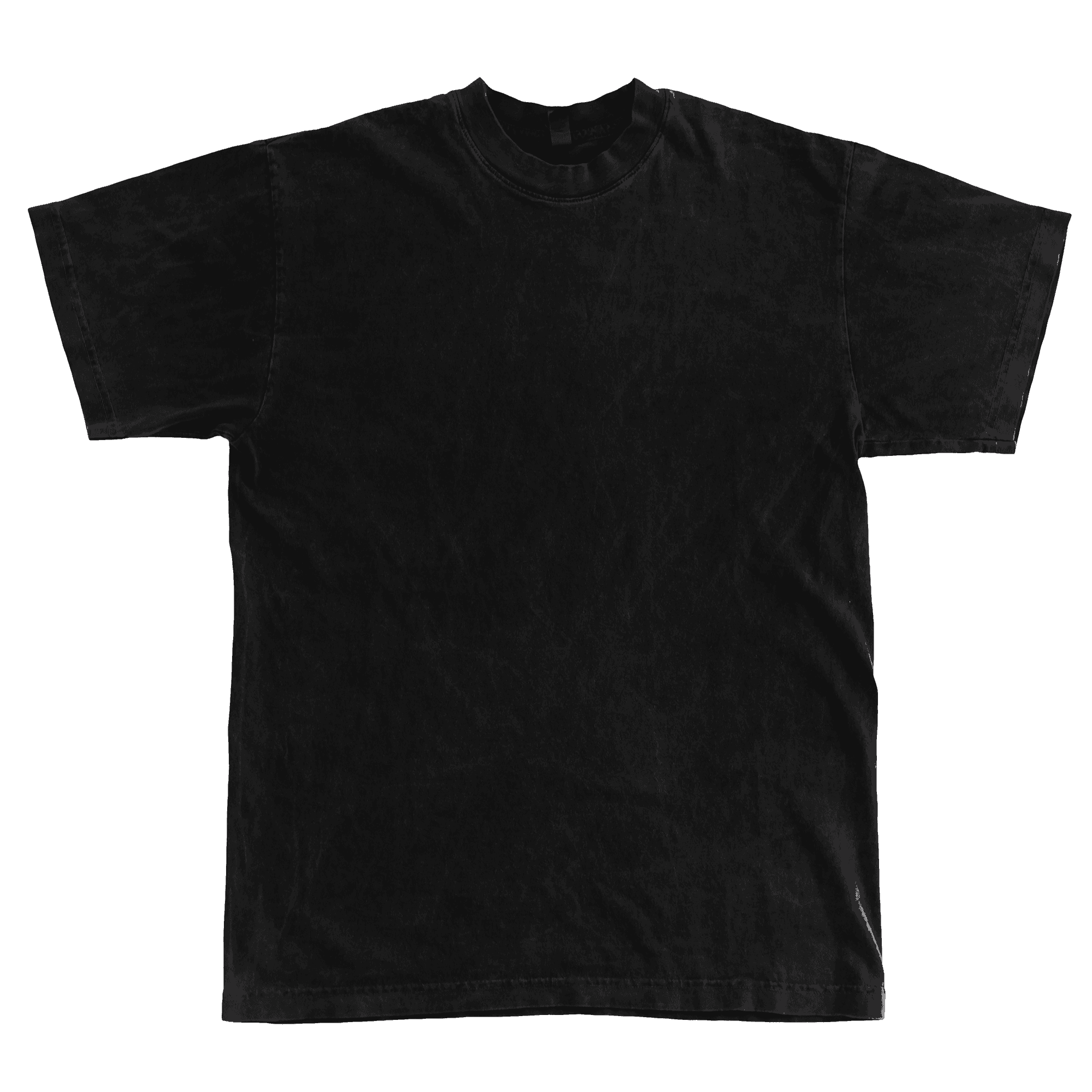
Prefer a head start? Doron Supply’s free Vintage T-Shirt Mockup has editable front and back areas, colour controls and a vintage effect. Its free Sample Layered Tee Mockup is another option. The gallery shows those supplied previews alongside the separate 1801GD mockup, which is a paid product. They’re useful examples of fabric texture doing some of the presentation work.
Check proportions against your actual blank. A convincing preview is useful for editing a collection; a photographed printed sample is still what shows a customer the finished garment.