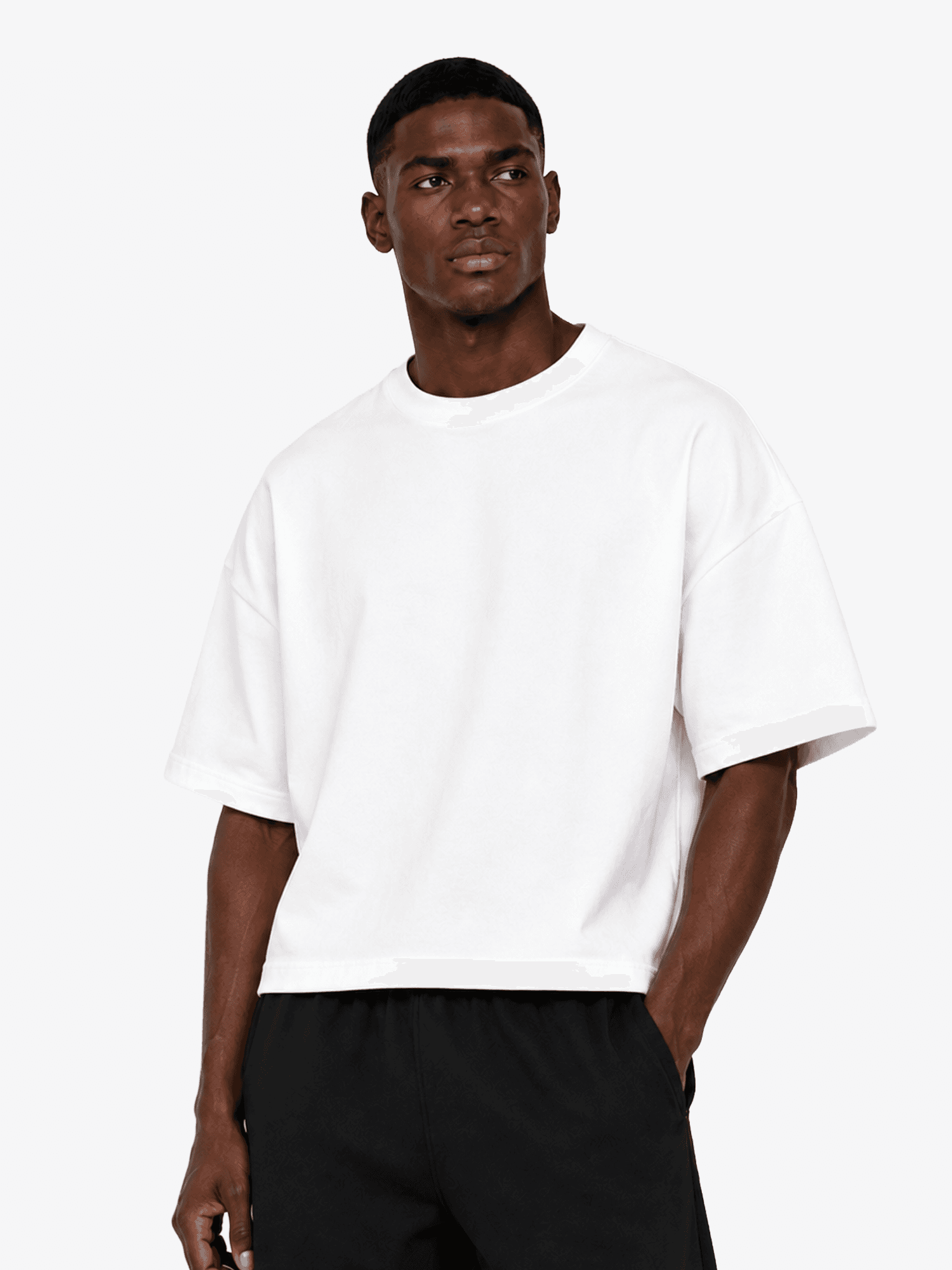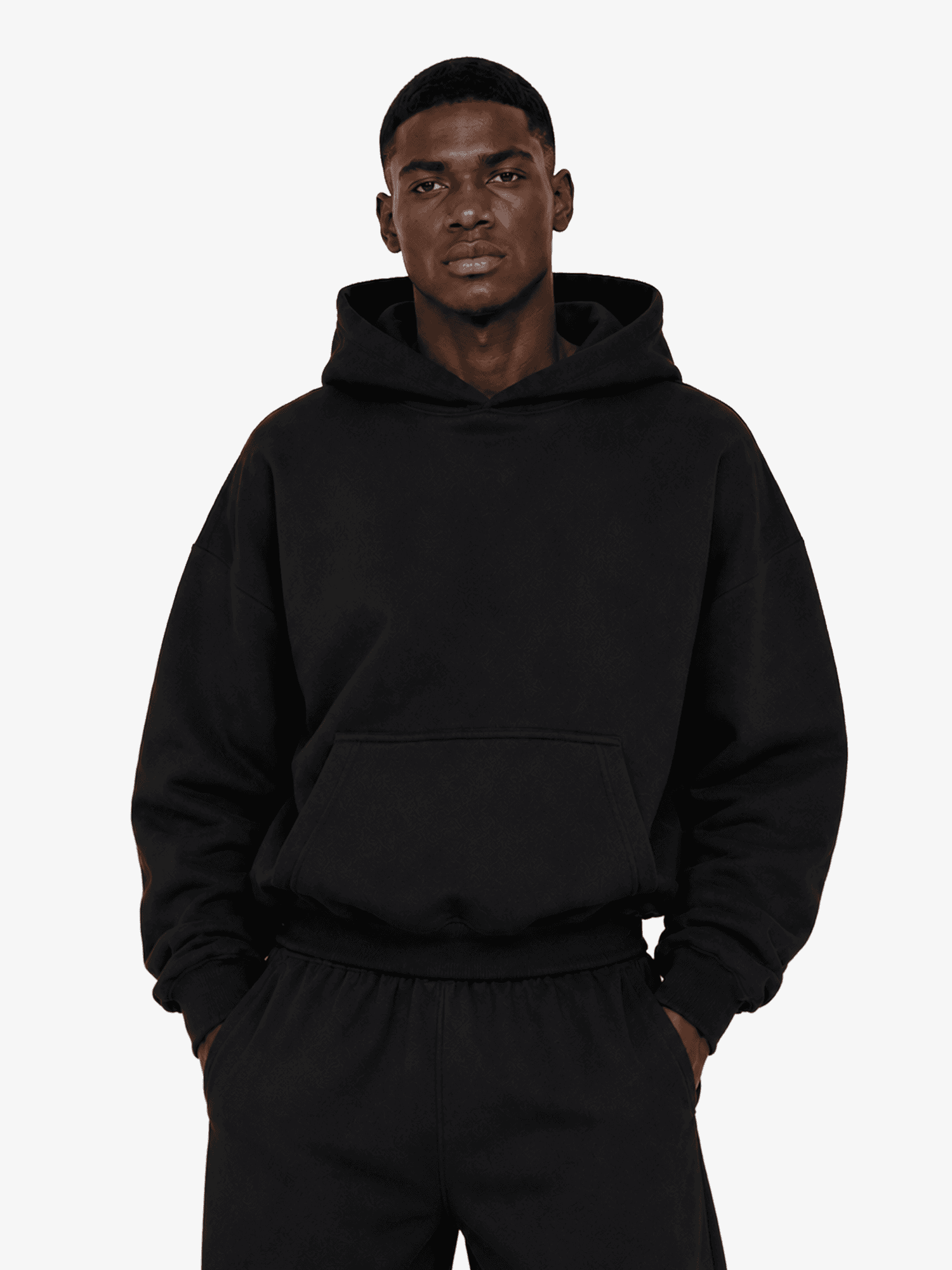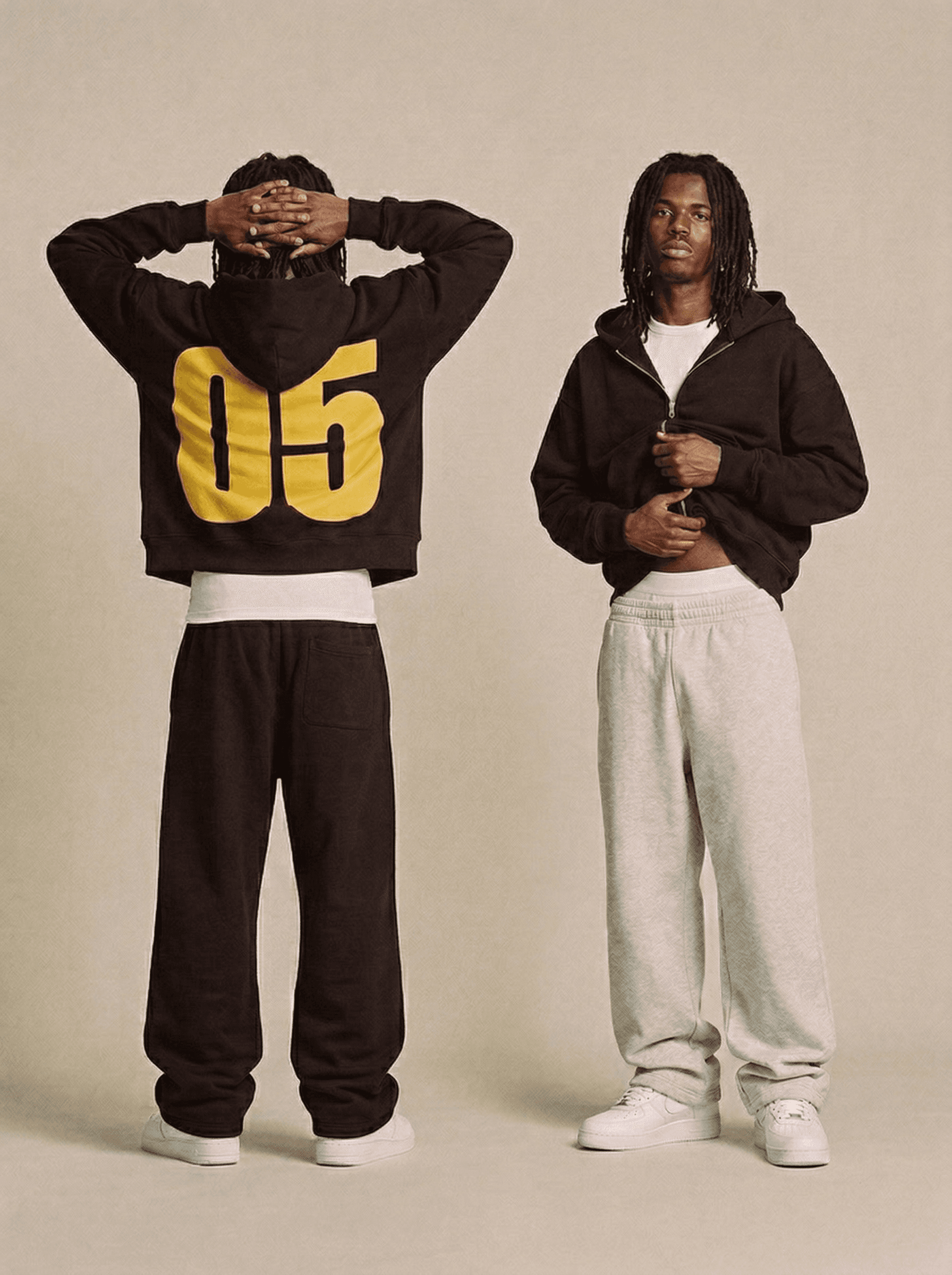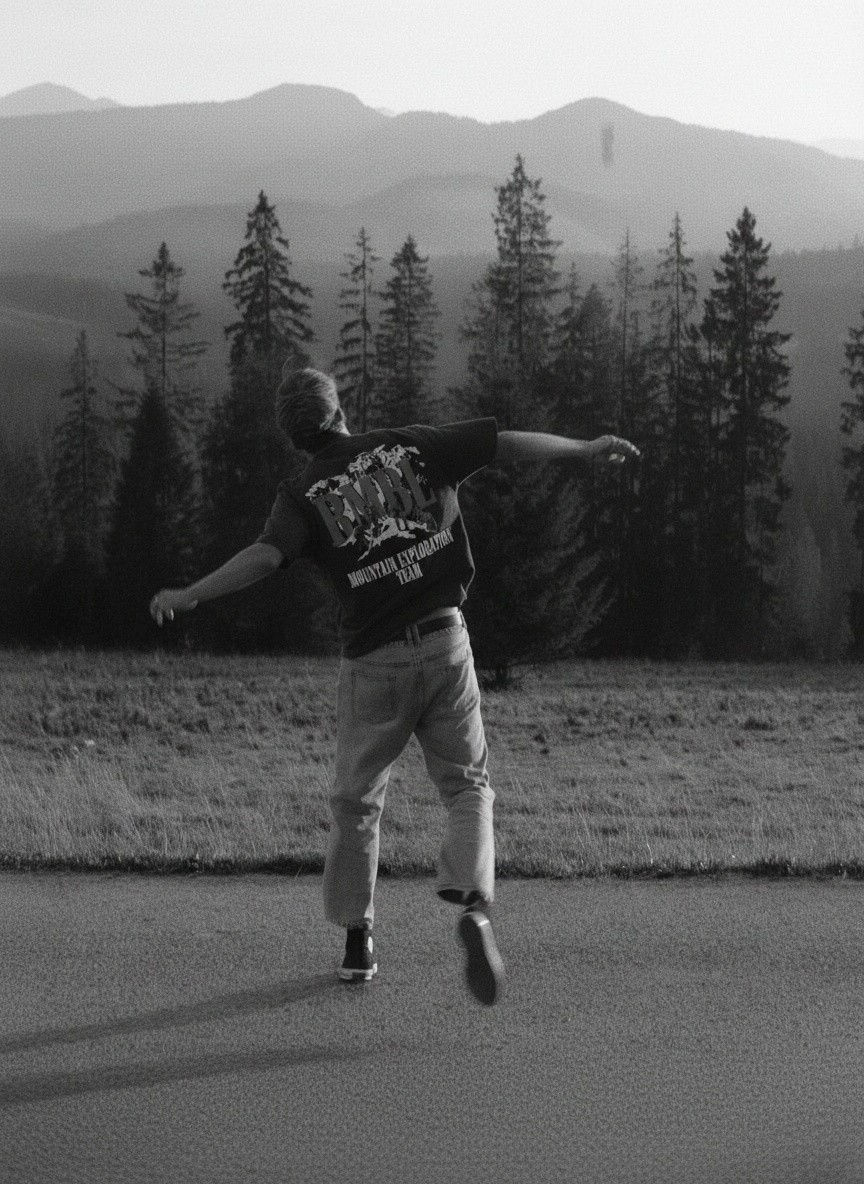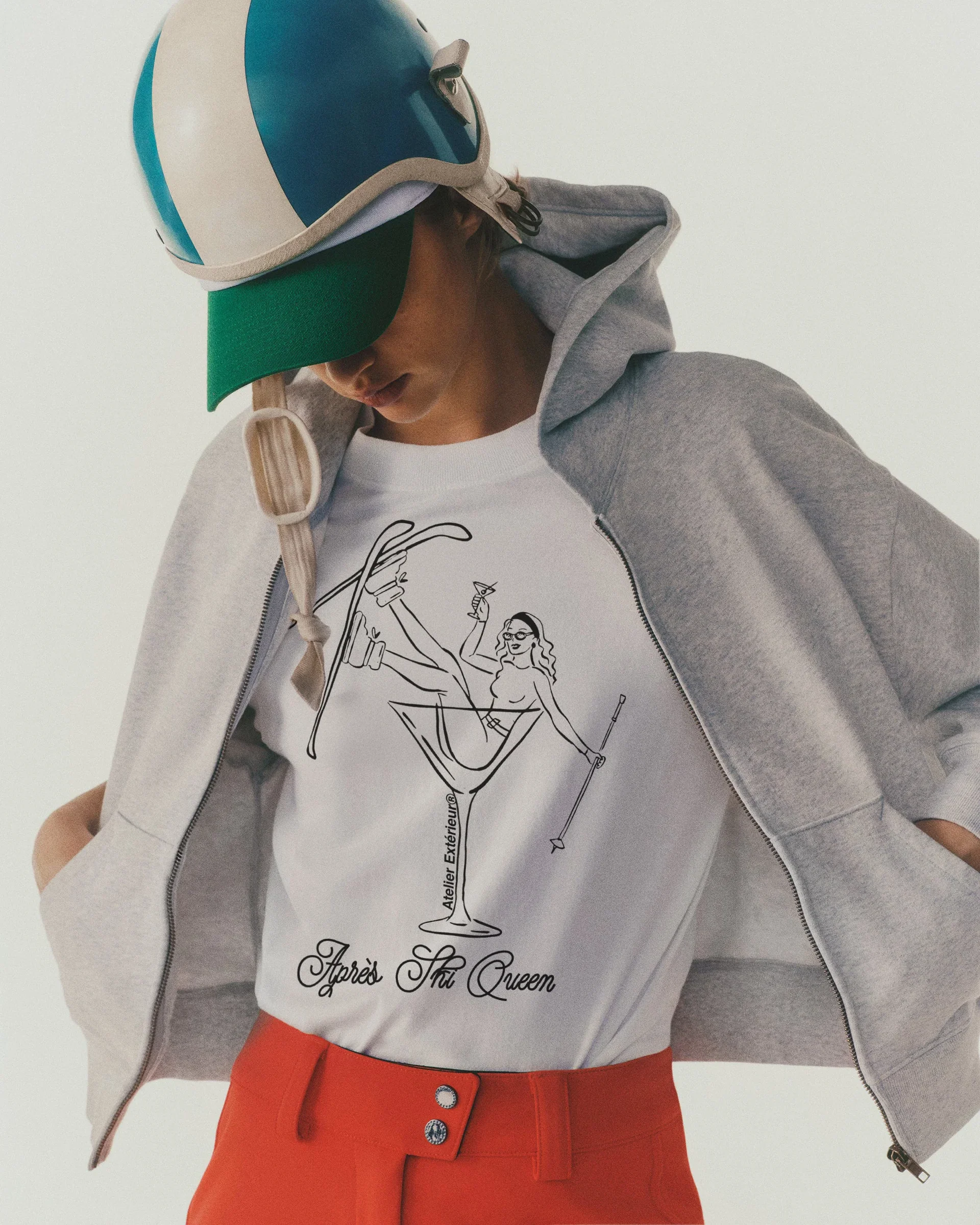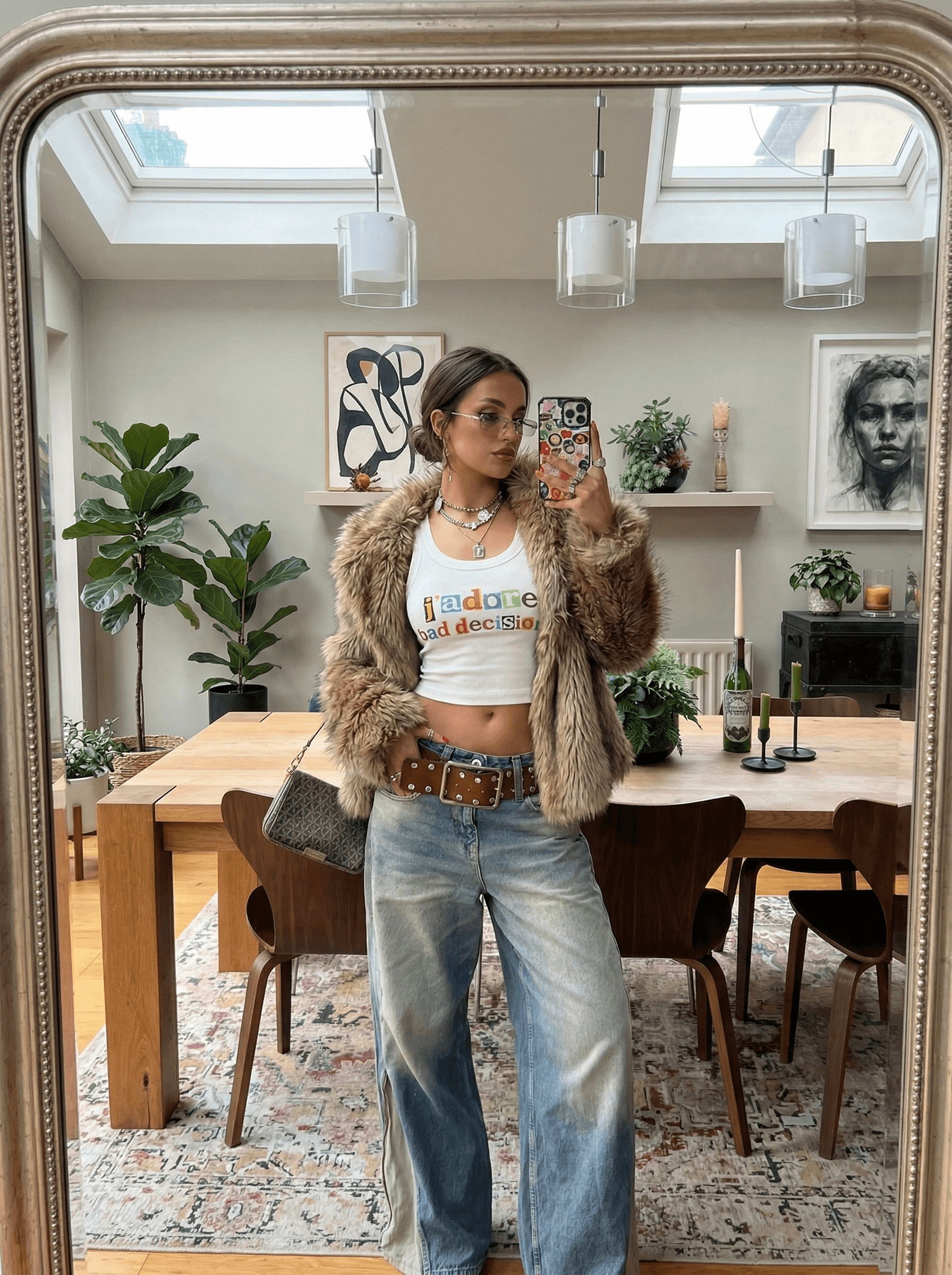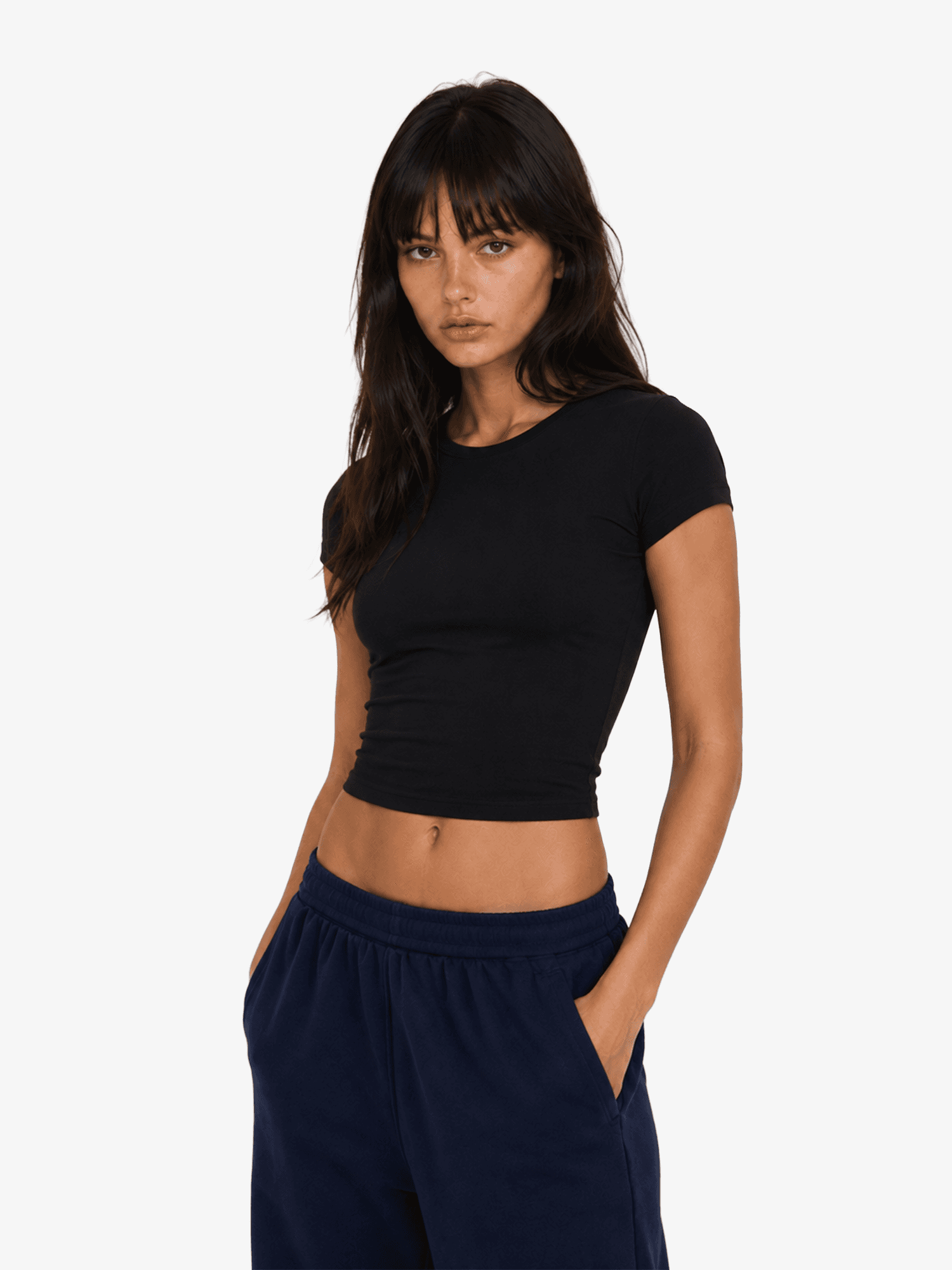
Classic Baby Tee

Customize your Apparel:

From $8.50

XS

S

M

L

XL

2XL

Other Colors

Key Details

Material: 95% combed cotton, 5% Elastane
Texture: Soft to the touch whilst still sturdy
Weight: Heavyweight 180gsm for comfort and durability
Care: Pre-shrunk and anti-pilling wash to maintain size and quality over time

Product Description

The ultimate baby tee for your everyday wardrobe, designed with a fitted 90s inspired silhouette for a smoothing and flattering finish. Sourced from the same prestigious mills and treated in the same facilities as the world's leading high-end luxury brands, our sweatshirt ensures unparalleled quality and comfort.

Quality: To ensure long-lasting wear, this sweatshirt undergoes an anti-pilling wash and pre-shrinking treatment, maintaining its quality wash after wash. Half-brushed on the inside to continue the perfect balance of softness and sturdiness.

  • 90s Slim Fit

  • True to Size

  • Subtle Washed Finish


Customisation Options

DTG Print

  • Front print

  • Back print

  • Outside label

  • Inside label

  • Left sleeve

  • Right sleeve

Embroidery

  • Left Chest

  • Center Chest

  • Right Chest

Guidelines

Print guide

Embroidery guide

Care Guide

Size Guide

File Guidelines.

Must Follow

Submit files as PNG or JPEG, at a minimum of 150 DPI and no larger than 50MB per file. We recommend 300 DPI for the sharpest results.

Create files in sRGB color profile. This is the profile our industry leading printers are built to read, so it keeps your on-screen colors as close as possible to the final print.

Tips for Best Results

Avoid semi-transparent designs

Semi-transparent graphics, or any elements with reduced opacity, don't translate cleanly in DTG printing. We recommend working with solid colors, or simulating semi-transparency through halftoning.

Create designs with the necessary DPI

Typing a higher resolution value into an existing file won't actually improve its print quality. If your artwork's resolution is too low, the best result comes from recreating it at full resolution.

Use transparency to your advantage

Black ink can read as a light black on black garments because of the white underbase applied during printing. For designs on dark garments, leave these areas fully transparent to keep your blacks true.

Print guide

Embroidery guide

Care Guide

Size Guide

File Guidelines.

Must Follow

Submit files as PNG or JPEG, at a minimum of 150 DPI and no larger than 50MB per file. We recommend 300 DPI for the sharpest results.

Create files in sRGB color profile. This is the profile our industry leading printers are built to read, so it keeps your on-screen colors as close as possible to the final print.

Tips for Best Results

Avoid semi-transparent designs

Semi-transparent graphics, or any elements with reduced opacity, don't translate cleanly in DTG printing. We recommend working with solid colors, or simulating semi-transparency through halftoning.

Create designs with the necessary DPI

Typing a higher resolution value into an existing file won't actually improve its print quality. If your artwork's resolution is too low, the best result comes from recreating it at full resolution.

Use transparency to your advantage

Black ink can read as a light black on black garments because of the white underbase applied during printing. For designs on dark garments, leave these areas fully transparent to keep your blacks true.

Print guide

Embroidery guide

Care Guide

Size Guide

File Guidelines.

Must Follow

Submit files as PNG or JPEG, at a minimum of 150 DPI and no larger than 50MB per file. We recommend 300 DPI for the sharpest results.

Create files in sRGB color profile. This is the profile our industry leading printers are built to read, so it keeps your on-screen colors as close as possible to the final print.

Tips for Best Results

Avoid semi-transparent designs

Semi-transparent graphics, or any elements with reduced opacity, don't translate cleanly in DTG printing. We recommend working with solid colors, or simulating semi-transparency through halftoning.

Create designs with the necessary DPI

Typing a higher resolution value into an existing file won't actually improve its print quality. If your artwork's resolution is too low, the best result comes from recreating it at full resolution.

Use transparency to your advantage

Black ink can read as a light black on black garments because of the white underbase applied during printing. For designs on dark garments, leave these areas fully transparent to keep your blacks true.