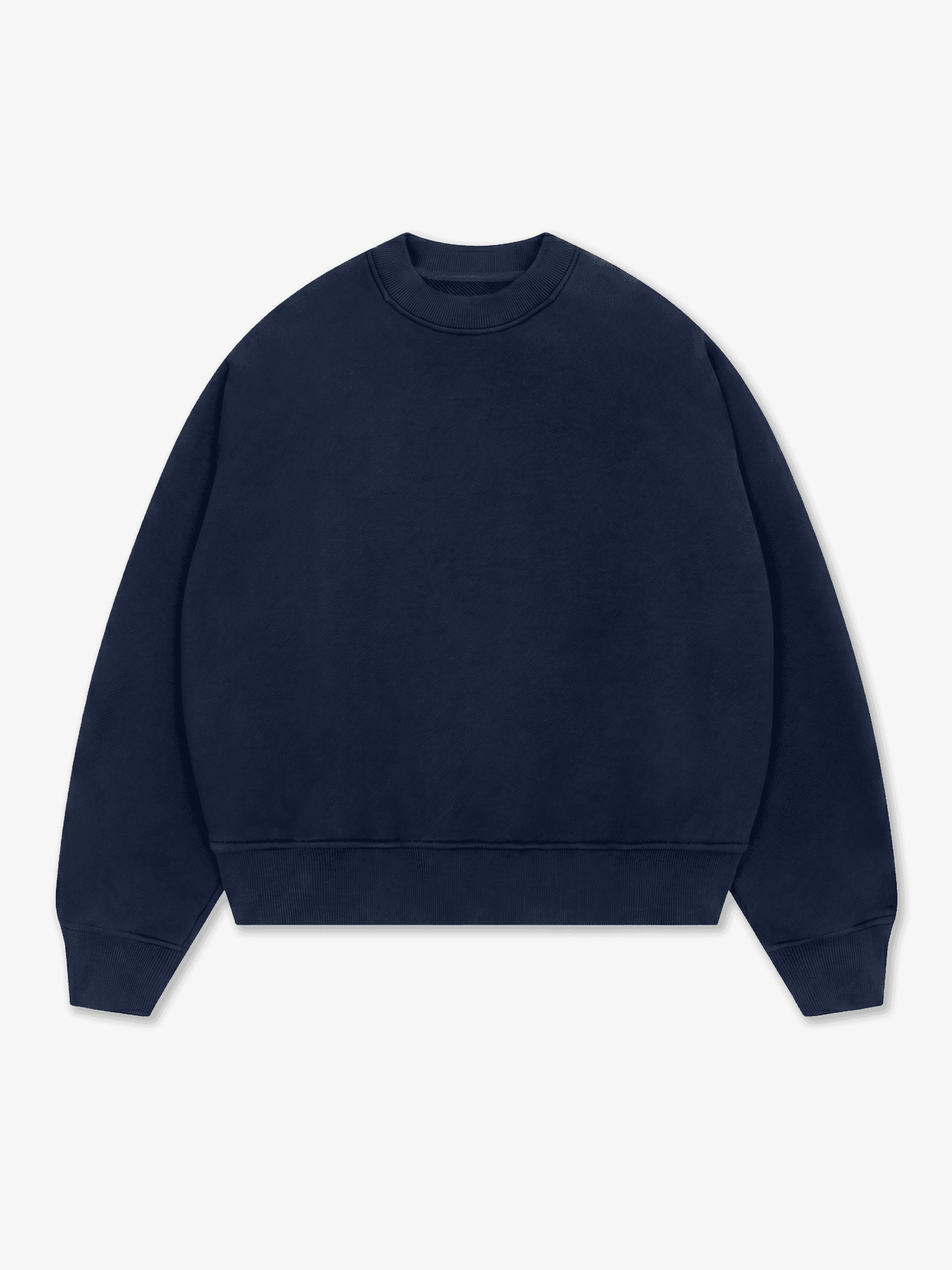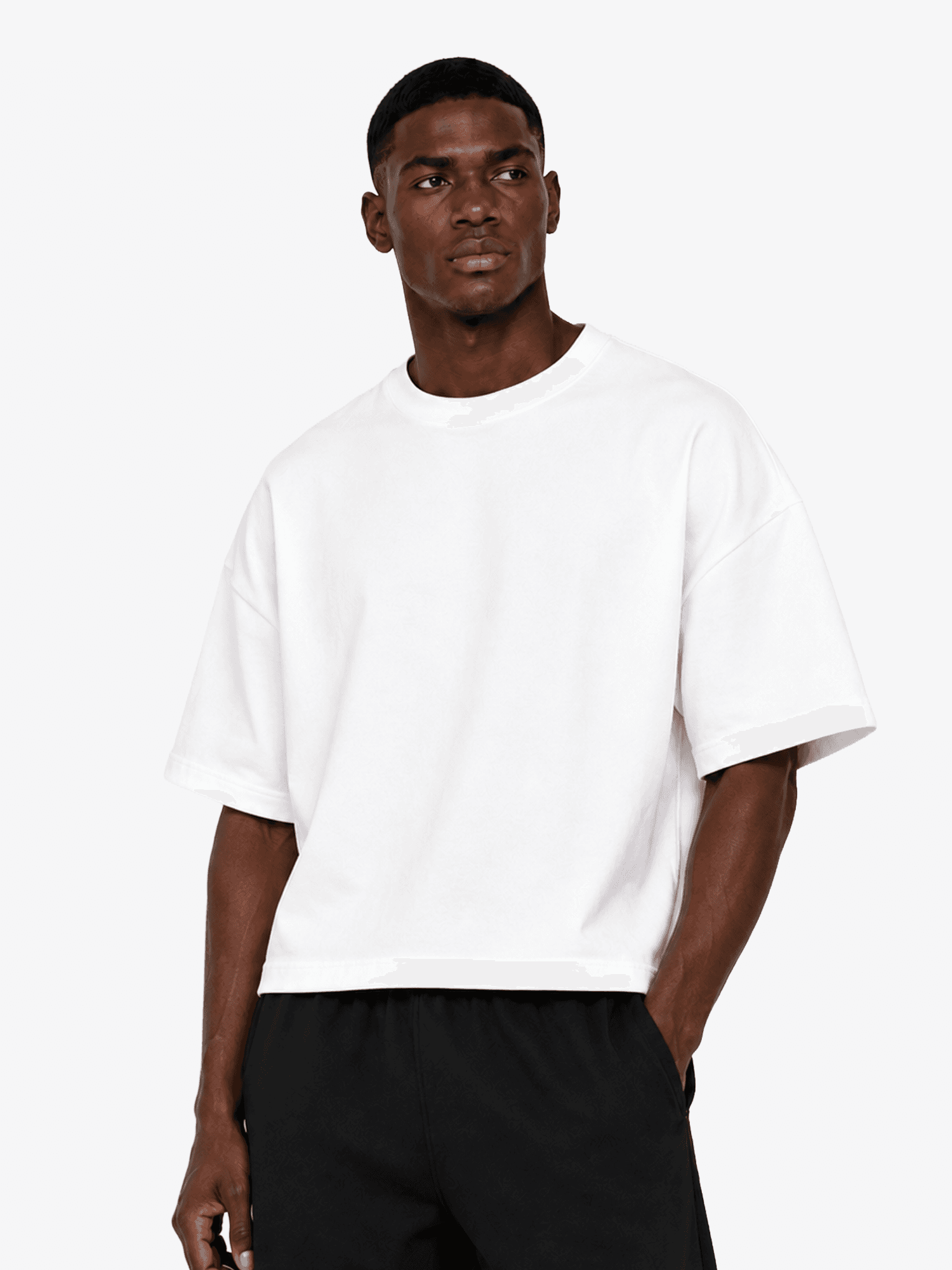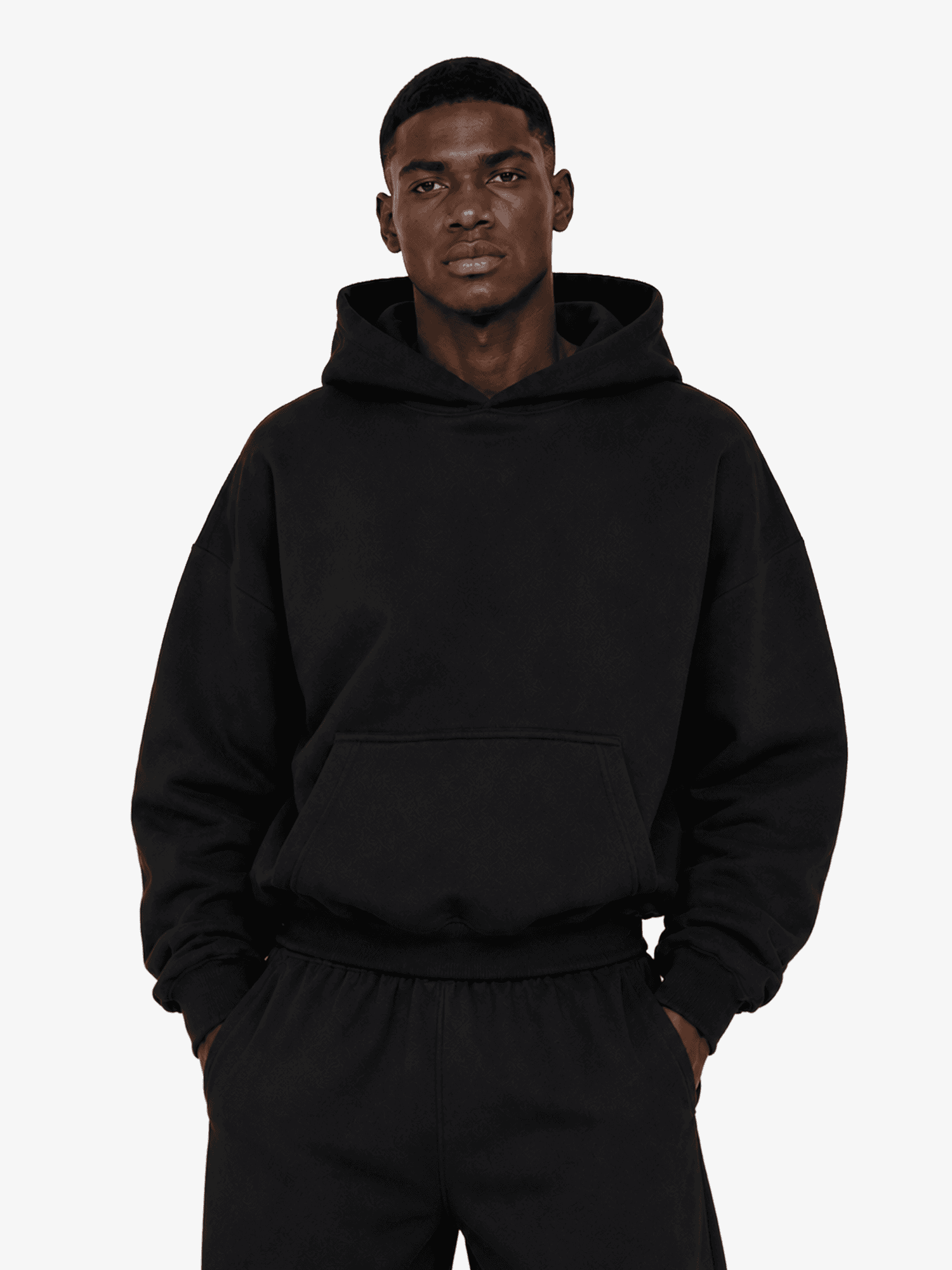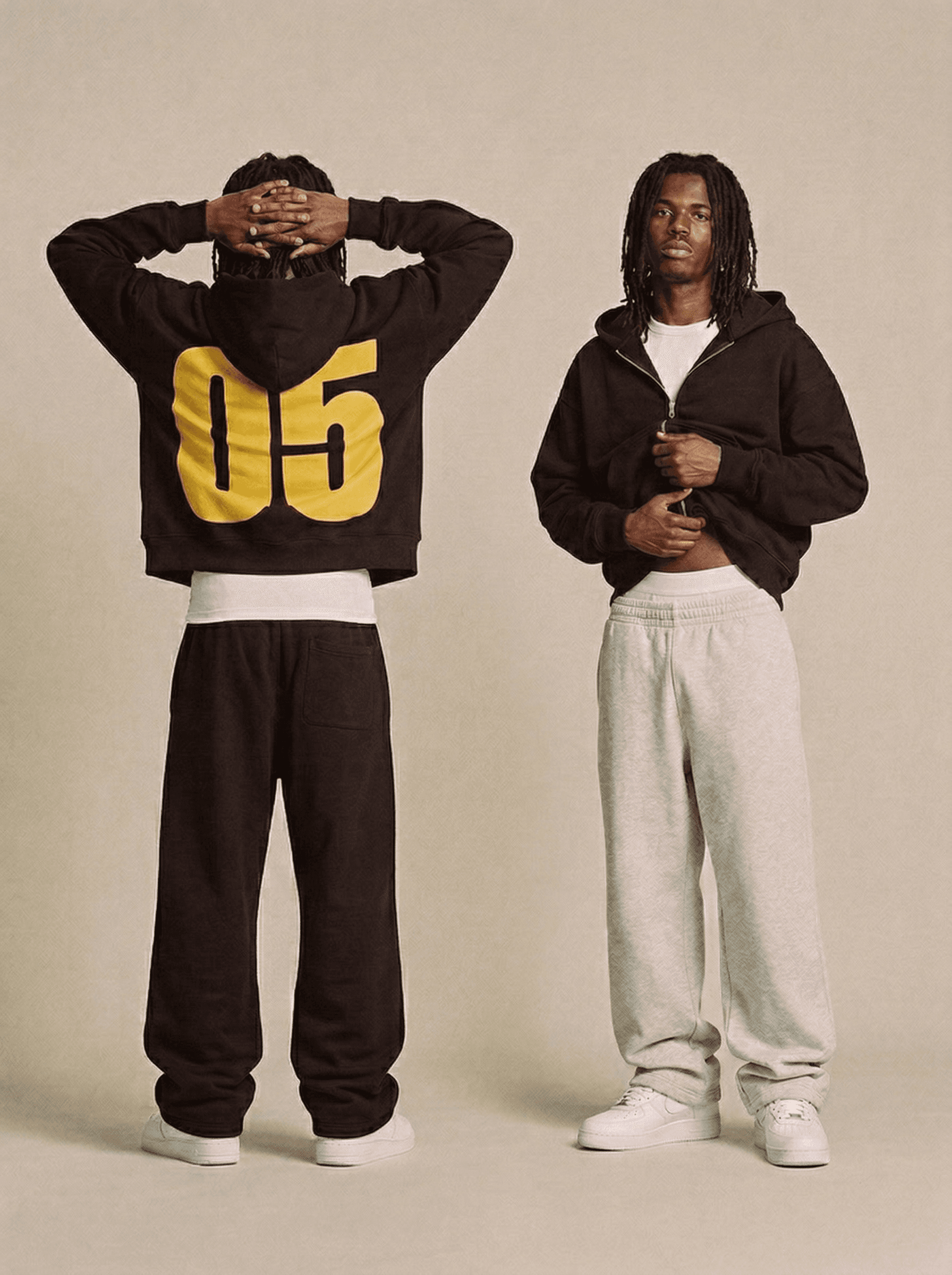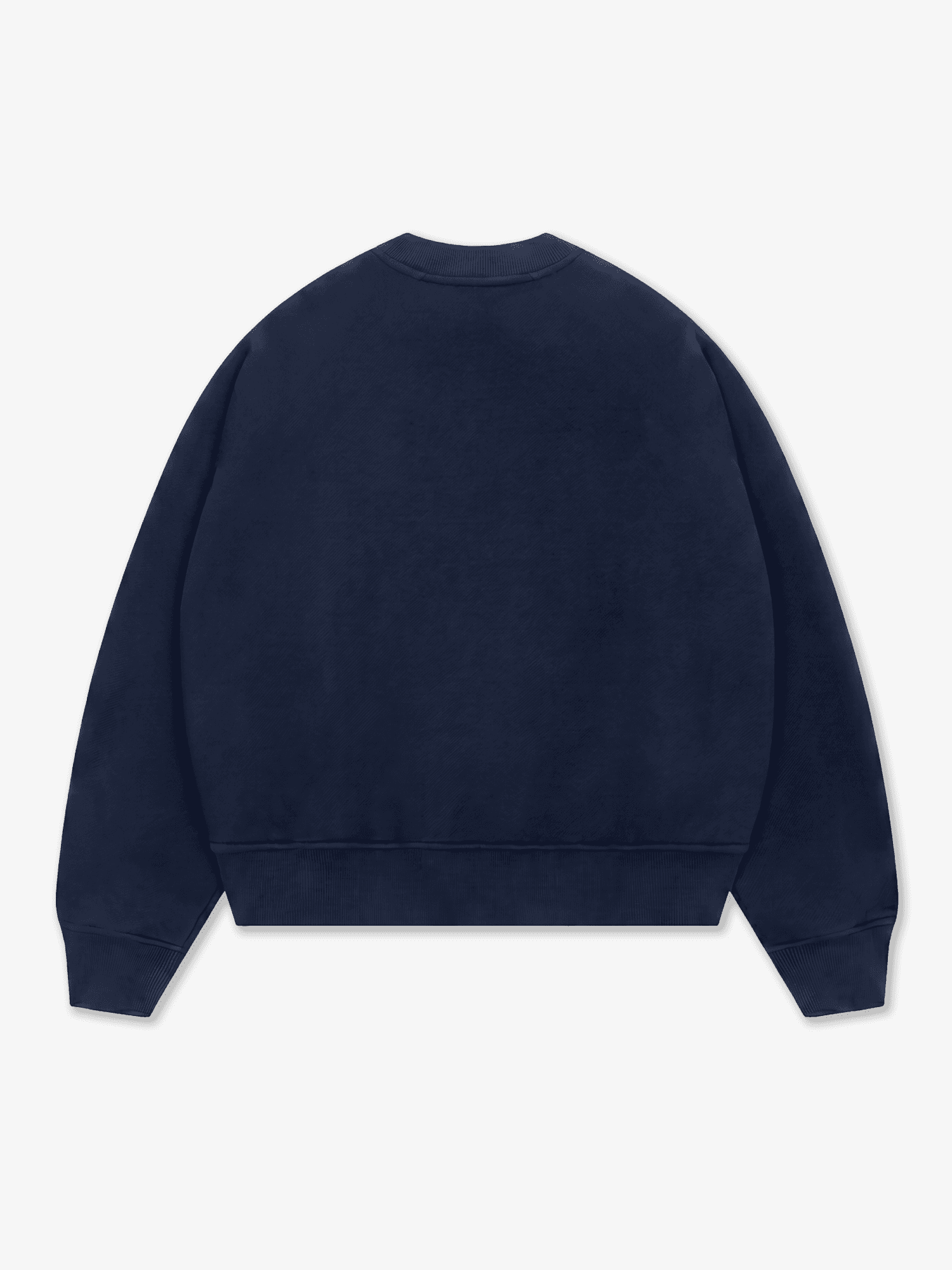
Heavyweight Tailor Sweatshirt

Customize your Apparel:

From $22.00

XS

S

M

L

XL

2XL

Other Colors

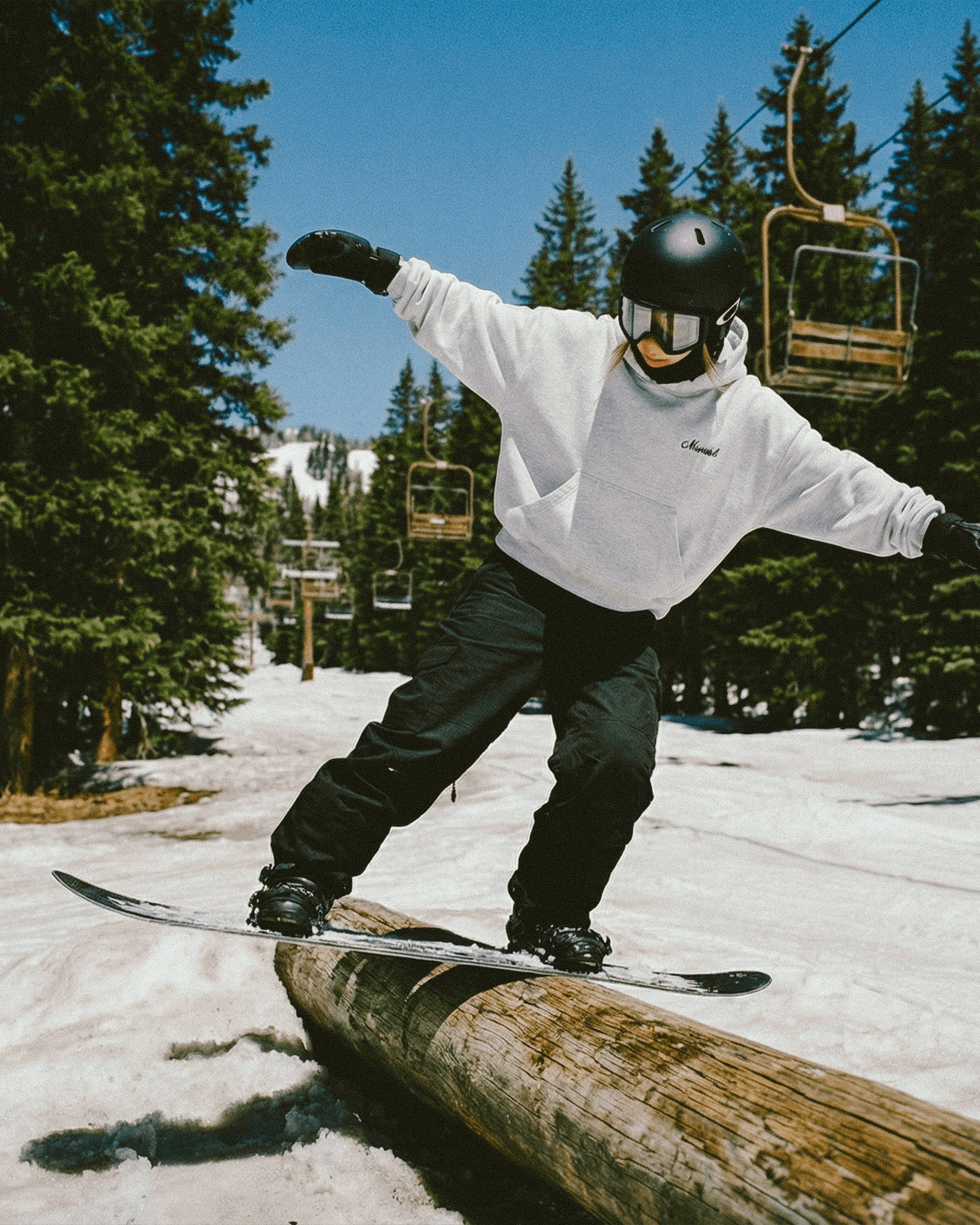
Tailor classic crewneck sweatshirt in grey — front view on model.

Key Details

  • Material: 100% combed cotton

  • Texture: Half-brushed for enhanced softness

  • Weight: Heavyweight 420gsm for durability

  • Care: Pre-shrunk and anti-pilling wash to maintain size and quality over time

Product Description

A timeless piece for your everyday wear. Crafted from luxurious 100% combed cotton at 350gsm, this sweatshirt offers a softer touch and superior durability compared to traditional cotton blends, ensuring it remains a staple in your wardrobe for years to come.

Sourced from the same prestigious mills and treated in the same facilities as the world's leading high-end luxury brands, our sweatshirt ensures unparalleled quality and comfort.

Quality: To ensure long-lasting wear, this sweatshirt undergoes an anti-pilling wash and pre-shrinking treatment, maintaining its quality wash after wash. Half-brushed on the inside to continue the perfect balance of softness and sturdiness.

Fit: The waistband has been slightly tightened to ensure the blank holds the intended silhouette, while still allowing for a maintained roll if you prefer a more cropped fit. Featuring a fitted neck-opening to cover your t-shirt and elevate the silhouette.

Customisation Options

DTG Print

  • Front print

  • Back print

  • Outside label

  • Inside label

  • Left sleeve

  • Right sleeve

Embroidery

  • Left Chest

  • Center Chest

  • Right Chest

Guidelines

Print guide

Embroidery guide

Care Guide

Size Guide

File Guidelines.

Must Follow

Submit files as PNG or JPEG, at a minimum of 150 DPI and no larger than 50MB per file. We recommend 300 DPI for the sharpest results.

Create files in sRGB color profile. This is the profile our industry leading printers are built to read, so it keeps your on-screen colors as close as possible to the final print.

Tips for Best Results

Avoid semi-transparent designs

Semi-transparent graphics, or any elements with reduced opacity, don't translate cleanly in DTG printing. We recommend working with solid colors, or simulating semi-transparency through halftoning.

Create designs with the necessary DPI

Typing a higher resolution value into an existing file won't actually improve its print quality. If your artwork's resolution is too low, the best result comes from recreating it at full resolution.

Use transparency to your advantage

Black ink can read as a light black on black garments because of the white underbase applied during printing. For designs on dark garments, leave these areas fully transparent to keep your blacks true.

Print guide

Embroidery guide

Care Guide

Size Guide

File Guidelines.

Must Follow

Submit files as PNG or JPEG, at a minimum of 150 DPI and no larger than 50MB per file. We recommend 300 DPI for the sharpest results.

Create files in sRGB color profile. This is the profile our industry leading printers are built to read, so it keeps your on-screen colors as close as possible to the final print.

Tips for Best Results

Avoid semi-transparent designs

Semi-transparent graphics, or any elements with reduced opacity, don't translate cleanly in DTG printing. We recommend working with solid colors, or simulating semi-transparency through halftoning.

Create designs with the necessary DPI

Typing a higher resolution value into an existing file won't actually improve its print quality. If your artwork's resolution is too low, the best result comes from recreating it at full resolution.

Use transparency to your advantage

Black ink can read as a light black on black garments because of the white underbase applied during printing. For designs on dark garments, leave these areas fully transparent to keep your blacks true.

Print guide

Embroidery guide

Care Guide

Size Guide

File Guidelines.

Must Follow

Submit files as PNG or JPEG, at a minimum of 150 DPI and no larger than 50MB per file. We recommend 300 DPI for the sharpest results.

Create files in sRGB color profile. This is the profile our industry leading printers are built to read, so it keeps your on-screen colors as close as possible to the final print.

Tips for Best Results

Avoid semi-transparent designs

Semi-transparent graphics, or any elements with reduced opacity, don't translate cleanly in DTG printing. We recommend working with solid colors, or simulating semi-transparency through halftoning.

Create designs with the necessary DPI

Typing a higher resolution value into an existing file won't actually improve its print quality. If your artwork's resolution is too low, the best result comes from recreating it at full resolution.

Use transparency to your advantage

Black ink can read as a light black on black garments because of the white underbase applied during printing. For designs on dark garments, leave these areas fully transparent to keep your blacks true.