Use real garment measurements, fit context and accessible product-page placement to reduce uncertainty about online apparel sizing.
Read Time
Category
Writer
A conversion chart is not enough
‘US medium = EU large’ does not tell a shopper how your particular tee fits. Apparel sizing varies by brand and silhouette. Baymard’s apparel UX research finds that shoppers need product-specific size information in the buying flow. A useful chart tells them what the actual garment measures and how it is intended to sit on the body.
Measure the item
For a tee, provide chest width measured flat, body length, shoulder width and sleeve length where relevant. For a hoodie, add hem and sleeve measurements. For pants, include waist, hip, rise and inseam. State whether the numbers are garment measurements or body measurements, the units used and how to take a matching measurement at home. Check a physical sample of the exact blank and size; do not invent data from a generic template.
Make the chart visible at decision time
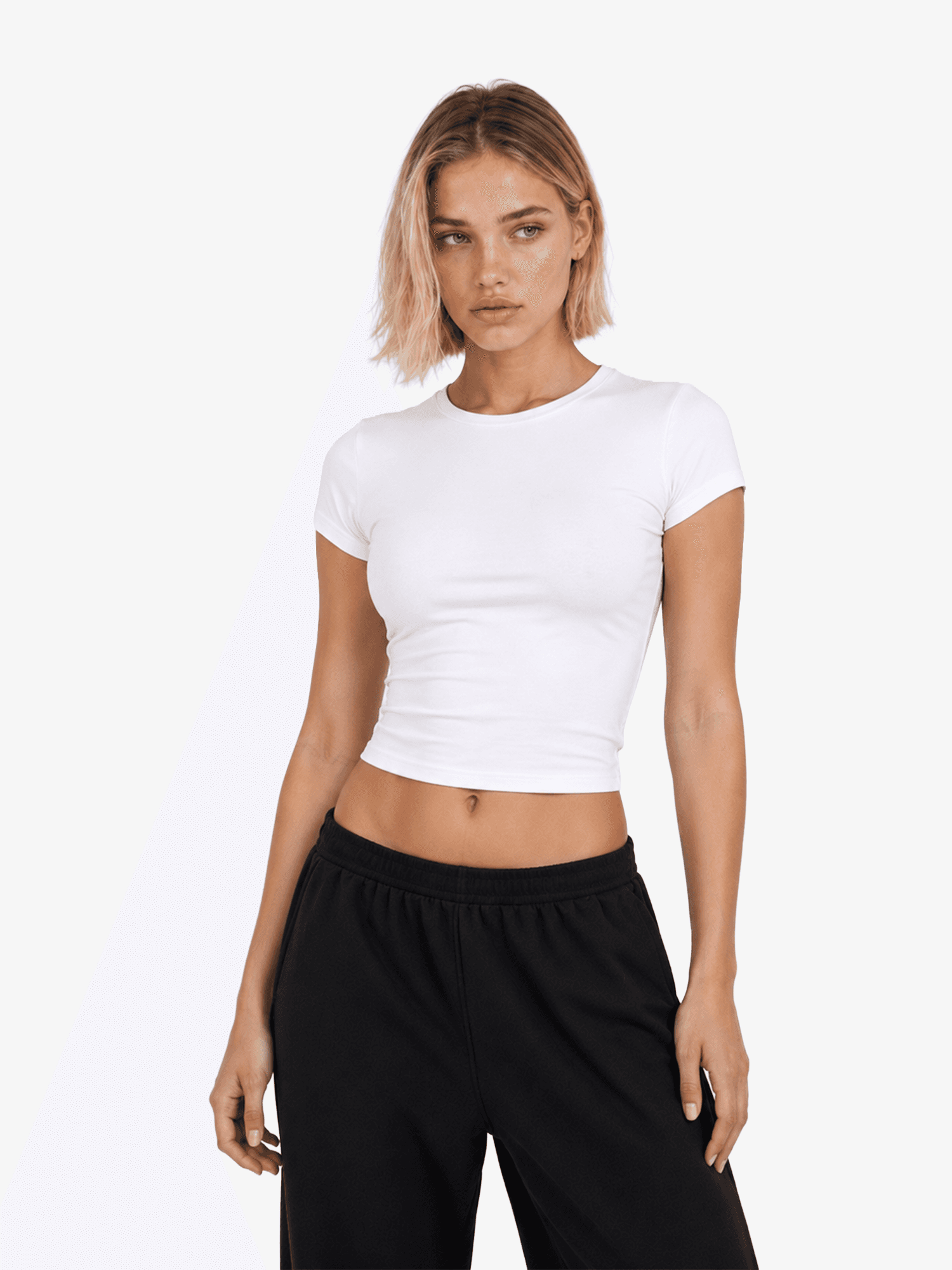
Put ‘Size guide’ beside the size selector and show a short fit line above the fold: boxy, true to size, cropped or relaxed, with a plain-language explanation. Give the model’s height and size if you use on-body photography. On mobile, the chart must be readable without zooming through tiny type or scrolling a wide desktop table sideways to find a value.
Learn from returns and questions
Track which sizes and products generate fit complaints. Update the chart if measurements drift, and photograph a size comparison if shoppers repeatedly ask what ‘oversized’ means. If the supplier changes the blank, remeasure before relying on the old chart. Accurate sizing reduces buyer anxiety and prevents disappointment; it cannot guarantee that every person will like the fit.
What if measurements vary slightly?
Garment production has tolerances. State the measuring method and any supplier-provided tolerance, but do not use a vague tolerance to excuse a chart that routinely misleads shoppers. Measure multiple samples if fit is a major differentiator. Put the fit description next to the exact product, not in a universal site-wide FAQ.
When a shopper is between sizes, a helpful note can describe the choice: size down for a neater fit or size up for more room, if your samples support that advice. Do not invent body-type claims from measurements alone. Real try-on photos and customer feedback will improve the guidance over time.
Sources and further reading
Baymard: apparel ecommerce research
Baymard: apparel and accessories UX
Related guides
How to Choose Premium Blank T-Shirts and Hoodies for a Brand
POD Clothing Returns: Misprints, Damage and Wrong Sizes
How to Set Up a Print-on-Demand Clothing Brand on Shopify
Best Print-on-Demand Clothing Suppliers for Brands: A Buyer’s Guide
Latest Articles.
© Airventory Studio
Thoughts, ideas, and perspectives on design, simplicity, and creative process.