Connect once and every order moves from checkout to production automatically, with no stock to hold and no details to forward.
Time
5 min
Your Shopify store sells it. Airventory handles the rest.
Connect Shopify once and Airventory becomes the production side of your store. Products publish from Airventory, paid orders flow back automatically, and every sale moves into production without copying customer details or sending work to a supplier.
Sell first. Pay after the order.
There is no app subscription and no stock to buy up front. You only pay Airventory after a customer places an order.
Your storefront stays yours.
Customers shop and pay through your brand. Airventory makes, packs and ships the order without putting our name on the garment, parcel or paperwork.
Everything stays in one place.
Publish products, follow orders and manage multiple Shopify stores from the same Airventory account. No spreadsheets, copied addresses or manual fulfillment.
01
Open Stores

In Airventory, open Stores and click Add store.
This page shows every connected store, its last sync and whether anything needs reconnecting.
02
Choose Shopify

Select Shopify from the available sales channels.
You can connect more than one Shopify store to the same Airventory account and manage them in one place.
03
Enter your Shopify address
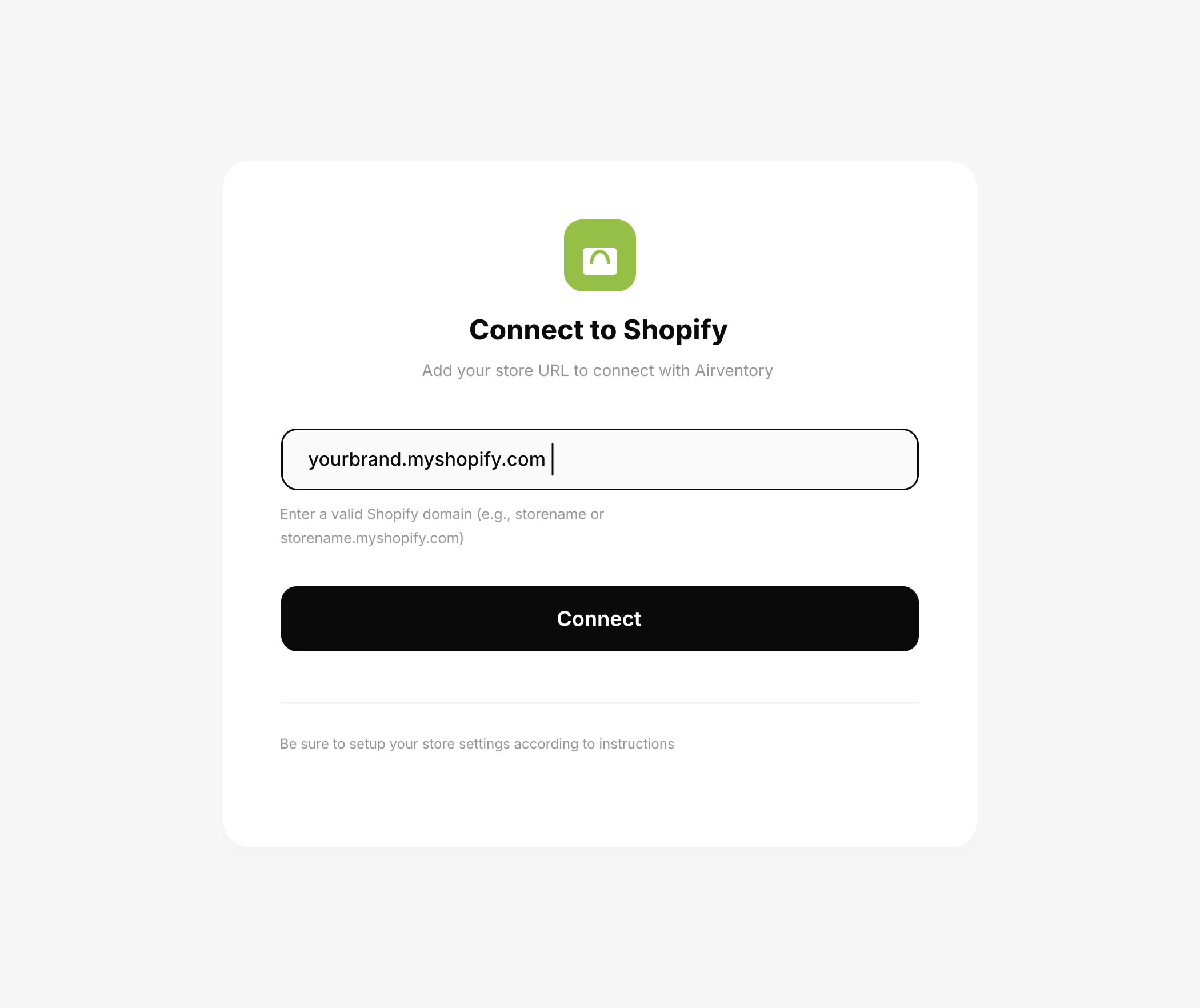
Enter the myshopify.com address Shopify gave your store, then click Connect.
Use the address shown in Shopify Admin under Settings, then Domains. Your customer-facing domain will not work here.
04
Approve the Airventory app

Shopify opens the Airventory app. Click Install and approve the connection.
The app is free to install. You pay Airventory when a customer places an order and production begins.
05
Publish your first product

Build the product in Airventory and publish it to Shopify. It appears in your store ready to sell.
From here, orders sync automatically, print in one to two business days and ship under your brand.


