Each order is automatically sent to the nearest Airventory factory that can make it, reducing shipping distance, keeping costs down and getting it to your customer sooner.

Time
2 min
Faster delivery, lower shipping costs, no extra work.
Automatic routing sends each order to the nearest Airventory factory that can make it. A shorter journey means lower shipping costs for you and faster delivery for your customer, with no factory selection or order management on your side.
Your customer only sees your brand.
There is no Airventory branding on the garment, parcel or paperwork. First-mile tracking stays hidden, and tariffs and taxes are covered, so there are no surprise charges at the door.
The factory changes. The standard does not.
Every Airventory factory works from one catalog, with the same blanks, printers, software and quality-control standards. Routing changes where the parcel starts, not what is inside.
Not every factory makes every product.
If the closest factory cannot make what you sold, we route the order to the nearest one that can. It still ships worldwide, but delivery may take longer.
01
Open your routing settings
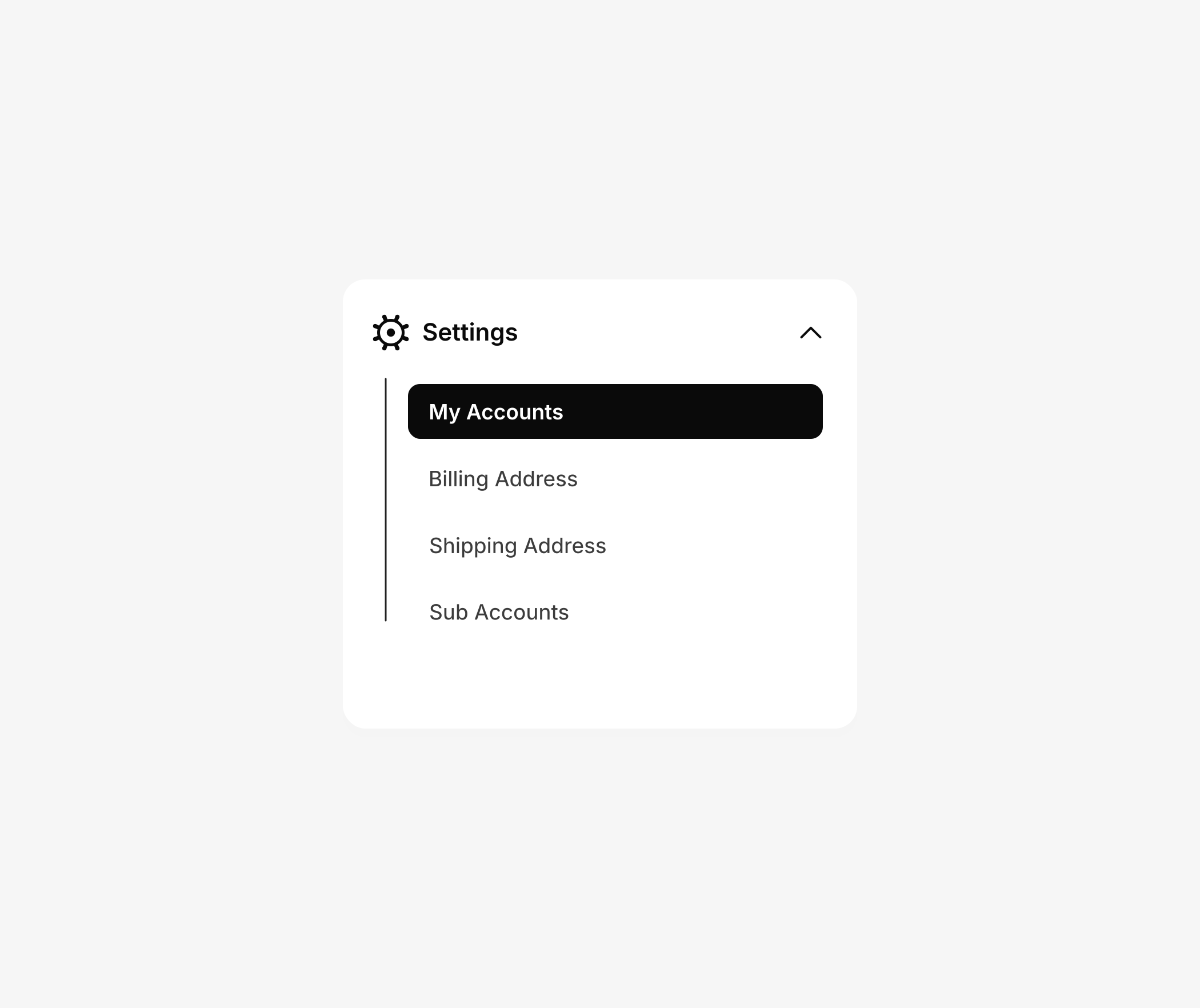
In your Airventory dashboard, go to Settings, then My Accounts.
Order routing lives here. Your choice applies to every new order.
02
Choose Automatic routing

Select Automatic routing, then save your changes.
Automatic routing checks product availability and customer location, then sends the order to the best factory for the job. Manual routing locks every order to one factory and sends anything it cannot make to you for approval.
03
We route every order

When an order comes in, we choose the factory, make the product in one to two business days and ship it under your brand.
No factories to compare or orders to chase. Each product page shows its lead time before you list it, so you can set a clear delivery estimate at checkout.