Pay each order by hand, let your card be charged automatically, or keep a balance in your wallet.

Time
3 min
Three ways to pay, and the two we recommend.
Airventory bills you for a garment only once your customer has bought it. There is nothing to pay up front and no subscription. All you are choosing here is how that payment reaches us.
Pay per order.
Orders arrive unpaid and wait for you. You settle each one by hand, and it moves into production once you do.
Automatic payments.
Your card is charged for each order as it comes in. Nothing waits.
Wallet balance.
Add funds once and every order draws from the balance. Top it up whenever you like.
We recommend automatic payments or a wallet balance.
Both mean an order never sits unpaid, which is the one thing that delays a delivery for no good reason.
01
Open Wallet

Wallet sits in the sidebar of your dashboard. Everything about how you pay lives on this page.
Nothing here charges you for anything other than orders your customers have already placed and paid you for.
02
Pay per order, one at a time

Unpaid orders are listed with a Pay now button. Settle one and it goes into production.
This gives you the most control and it is the slowest. An order sits unpaid until you get to it, and your customer is waiting the whole time.
03
Or turn on automatic payments
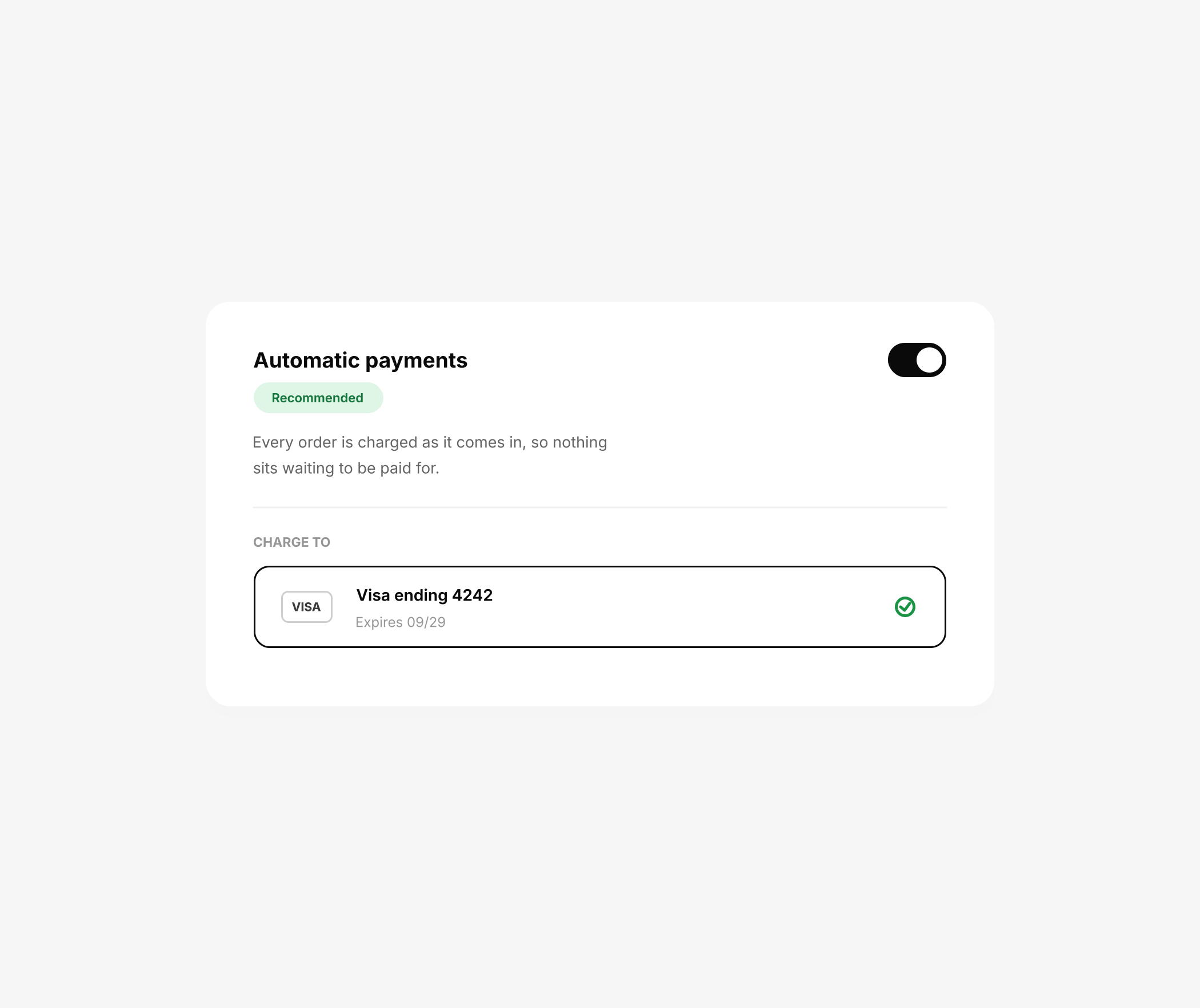
Add a card and switch automatic payments on. Every order is charged as it arrives.
Our recommendation. You never think about it again and nothing waits on you.
04
Or keep a balance in your wallet

Add funds to your wallet and each order draws from the balance as it comes in.
Also recommended. Useful if you would rather move money across in larger amounts than have a card charged order by order.
05
Pick the one that fits how you work
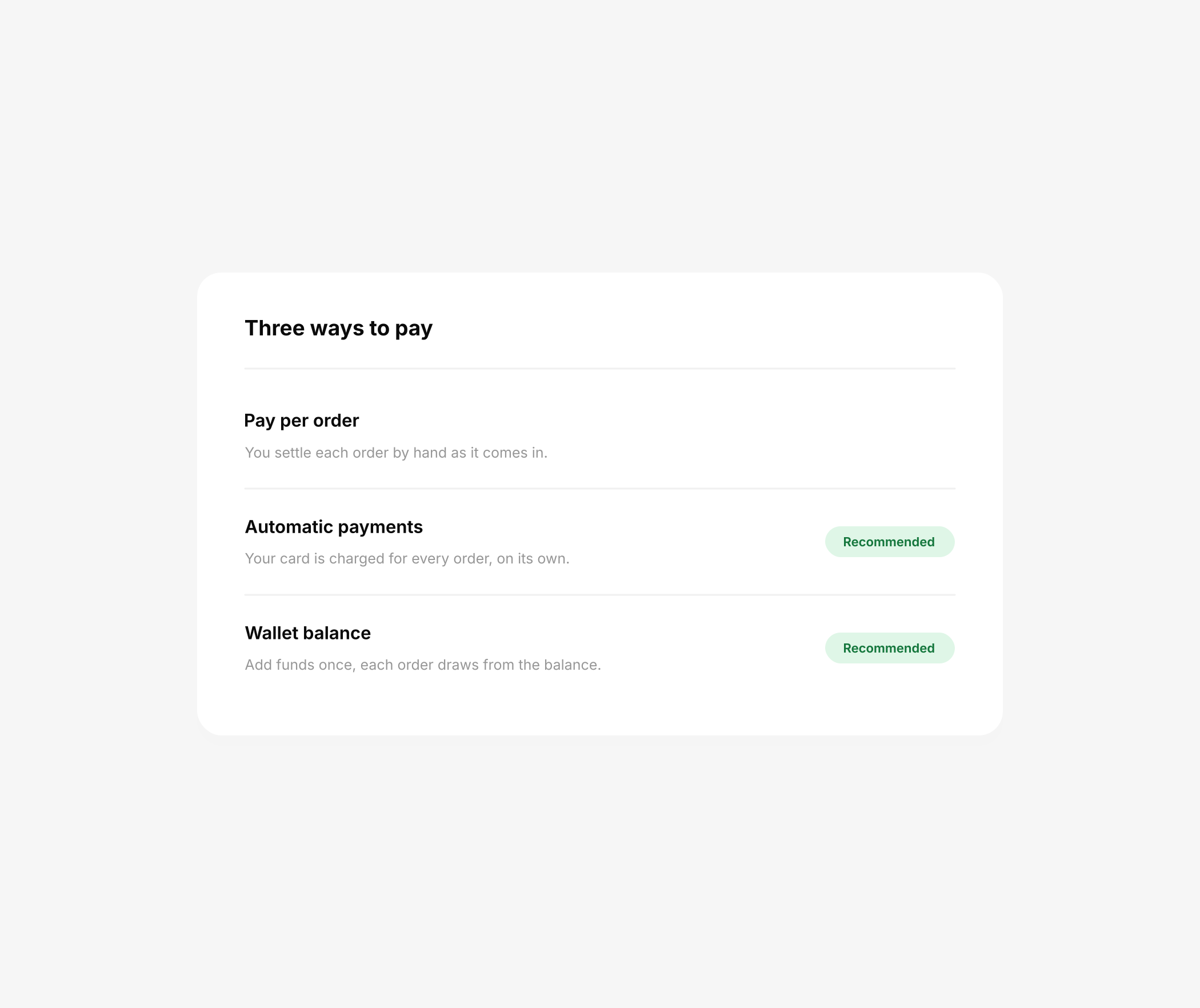
Any of the three will keep your store running. Two of them keep it running without you.
You can change this whenever you like, and switching does not affect orders already placed.
← Back to guides