Connect an Airventory template to a product already live in your store without losing its URL, reviews, search ranking or ad history.

Time
4 min
Keep the listing. Change who makes it.
You do not need to rebuild a successful listing to move production to Airventory. Create the Airventory version of the product, then connect it to the listing already live in your store. Future orders come to us while the customer-facing page stays put.
Keep the listing customers already know.
The URL, title, photos, description and reviews stay exactly where they are. There is no new page to launch and no duplicate product for customers to find.
Keep the history that makes it valuable.
Search ranking, customer reviews and campaign data remain attached because the listing itself is never replaced.
Move one product before the whole catalog.
Start with one product, order a sample and check the result. Move more products when you are ready.
01
Build the matching Airventory template
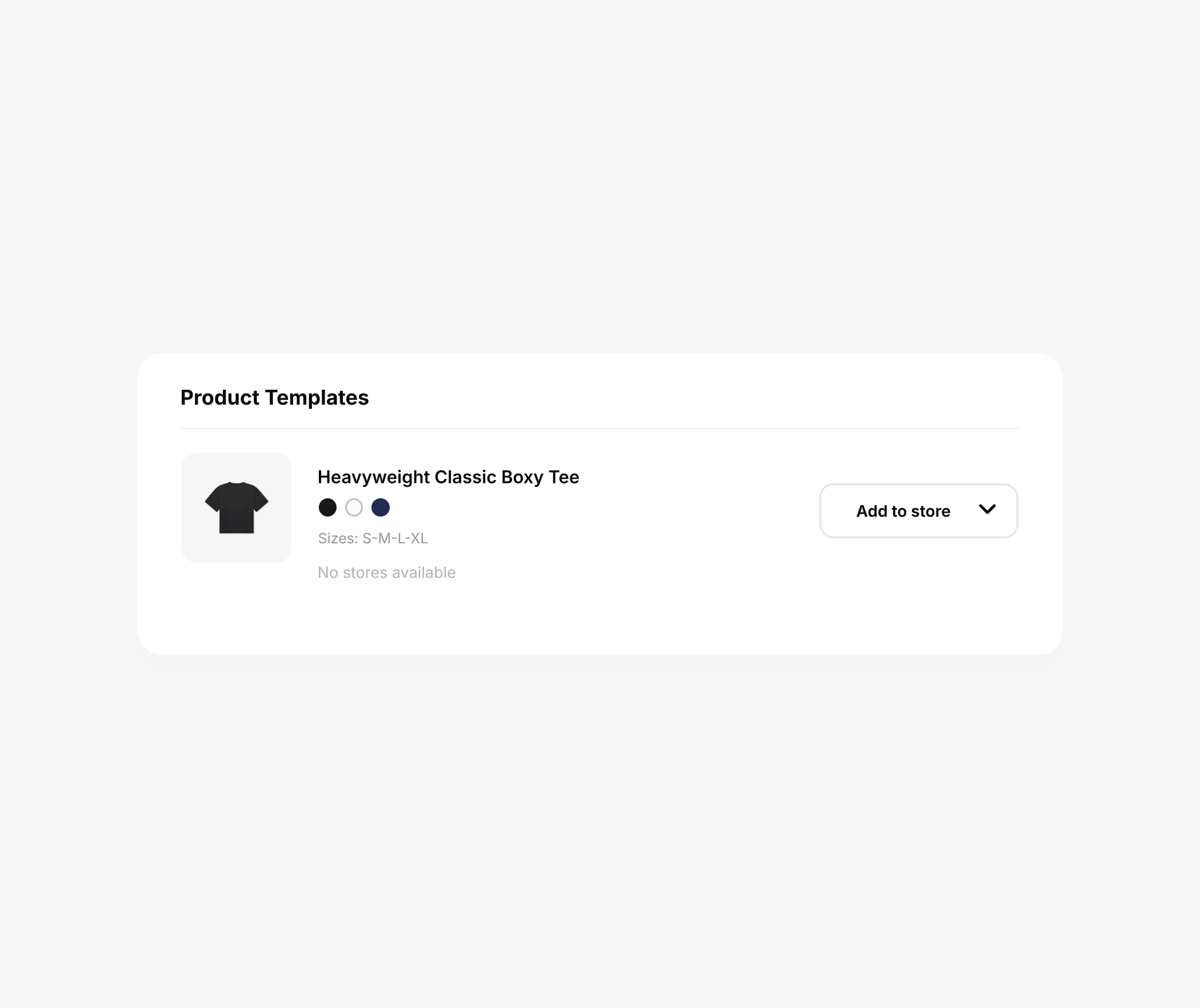
Choose the Airventory blank, artwork, colors and sizes that should fulfill the product you already sell.
This template becomes the production version. Leave it disconnected until you are ready to choose the live listing.
02
Choose Replace existing products

On the template, open Add to store and select Replace existing products.
Do not choose Sync as a new product. That creates another listing instead of connecting to the one you already have.
03
Match it to the live listing
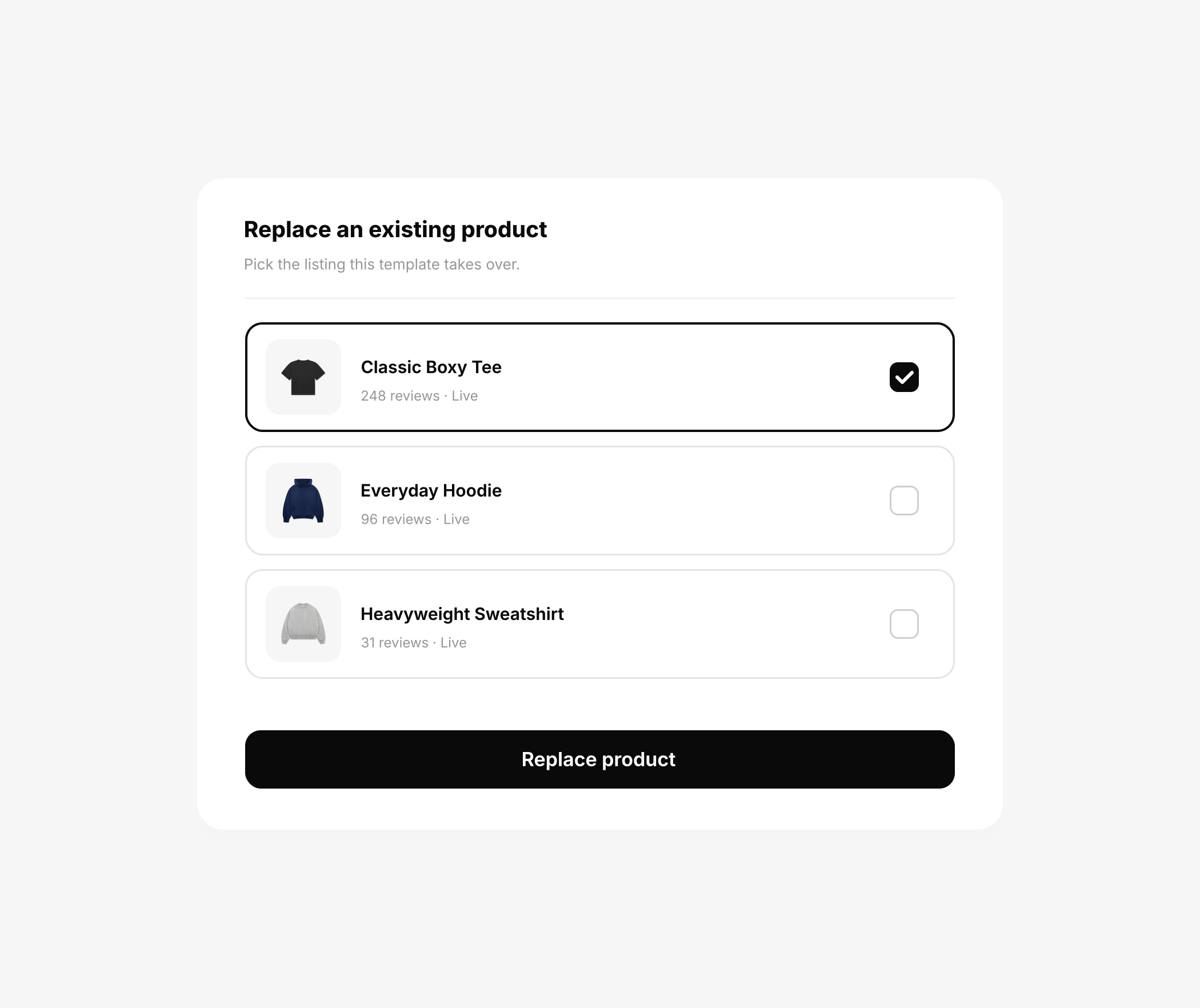
Choose the product Airventory should fulfill, check the match, then confirm.
Check the artwork, colors and sizes against the live product before you connect them.
04
Airventory takes over fulfillment

New orders from that listing now come to Airventory for production, packing and shipping.
The storefront stays live with the same URL, title, photos, description and reviews. Only the production route changes.
05
Keep the listing and its history
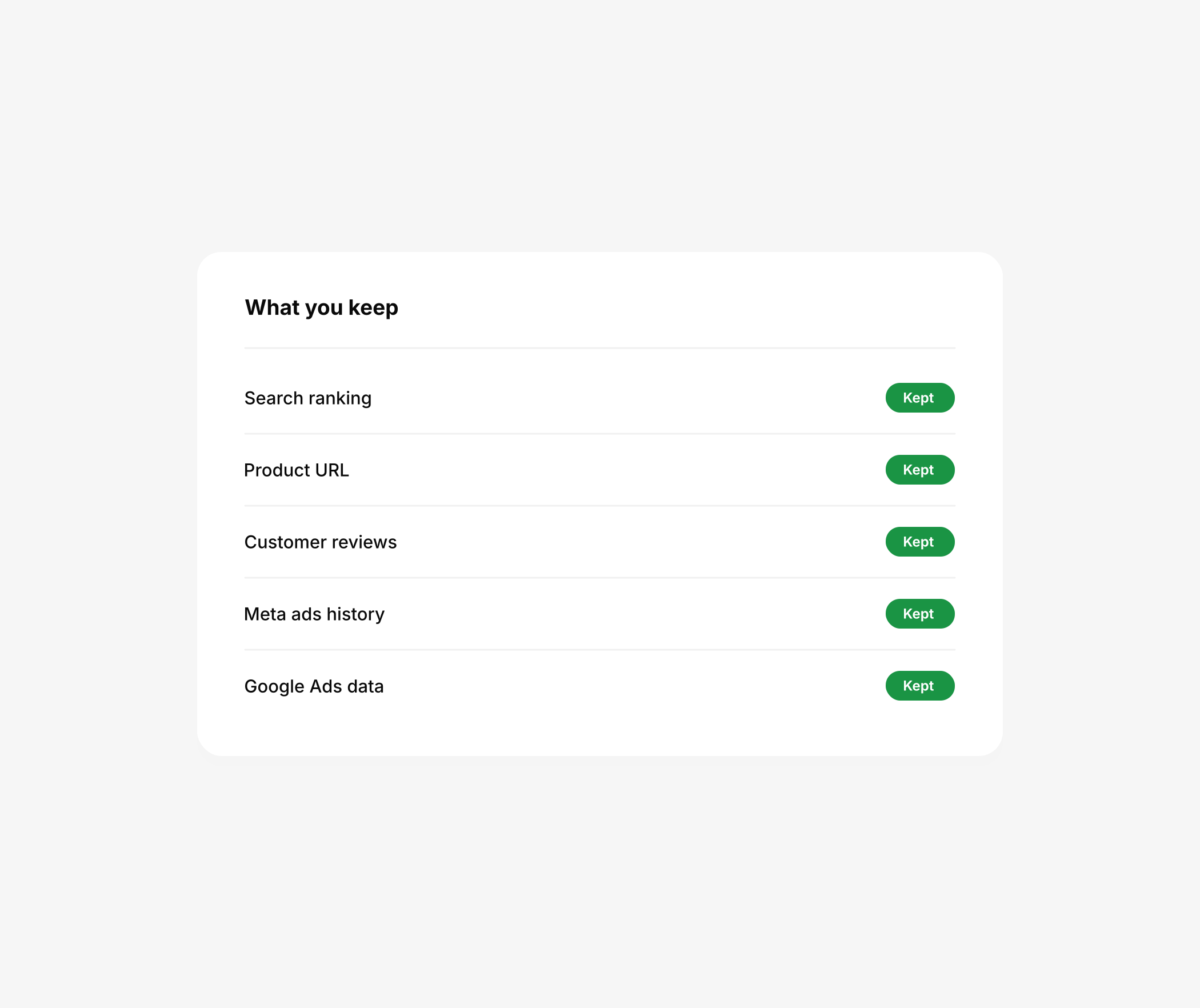
The same listing keeps its reviews, search visibility and campaign history.
Start with one product, order a sample and move the rest of the catalog when you are ready.
← Back to guides